Clear answers about eSIMs
Choose a topic or search for the exact device, setup step, provider, or connection problem you need to solve.
Not sure where to start?
Choose the situation that sounds most like yours.
Search results
6 articles found for “transfer”.
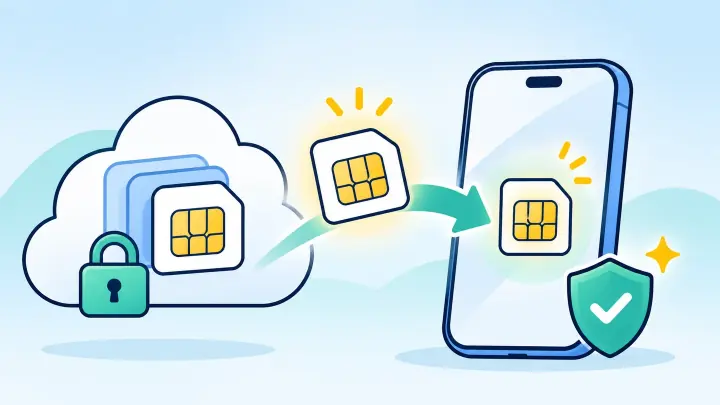
How to Restore an Accidentally Deleted eSIM
A deleted eSIM cannot be restored from the phone’s trash or a normal backup. The carrier or travel provider must let the device download the profile again, often with a replacement QR code or account transfer.
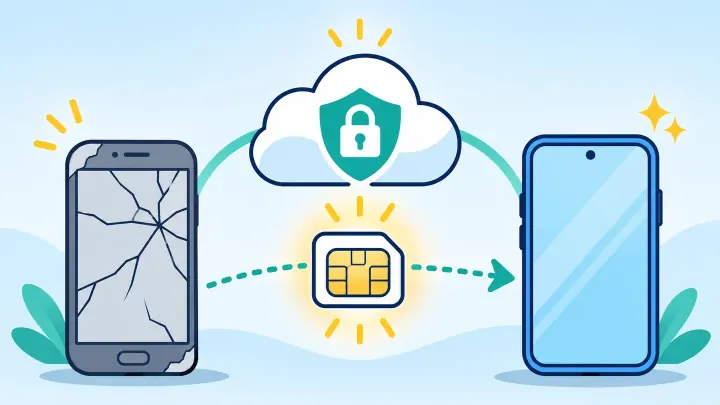
How to Transfer an eSIM When Your Old Phone Is Broken
A broken phone cannot approve a nearby transfer, but the line is usually still recoverable. The carrier or eSIM provider must verify ownership and issue the profile to the replacement phone.
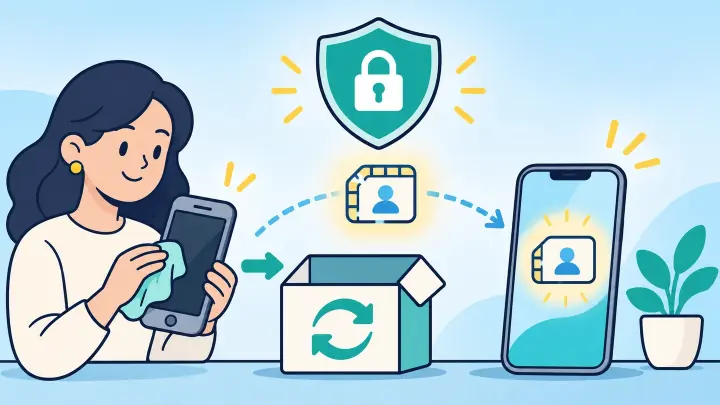
How to Transfer an eSIM Before Trading In Your Phone
Move and test the eSIM before erasing the trade-in phone. The new device must receive calls, texts, and data first. Only then should you remove the old profile, sign out, and reset the phone.
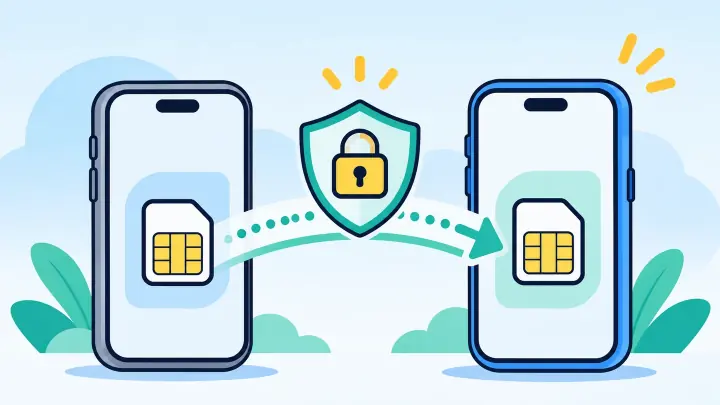
How to Transfer a Verizon eSIM to a New Phone
Connect the new phone to Wi-Fi, install the latest My Verizon app, sign in as an Account Owner or Account Manager, choose the line, and follow the device-change prompts. Keep the old phone nearby for authentication. Service on it stops after the number activates on the new phone.
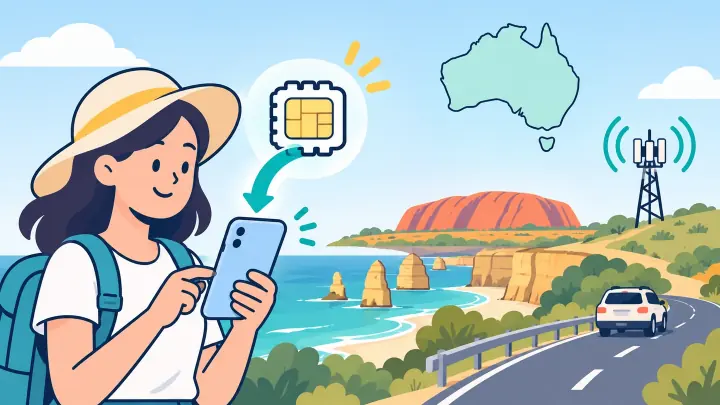
How to Get a Telstra eSIM in Australia
Buy an eligible Telstra service and download its eSIM through the My Telstra app, carrier activation, a one-time QR code, or a supported phone-to-phone transfer. Prepaid customers can buy and activate an eSIM directly in My Telstra over Wi-Fi.
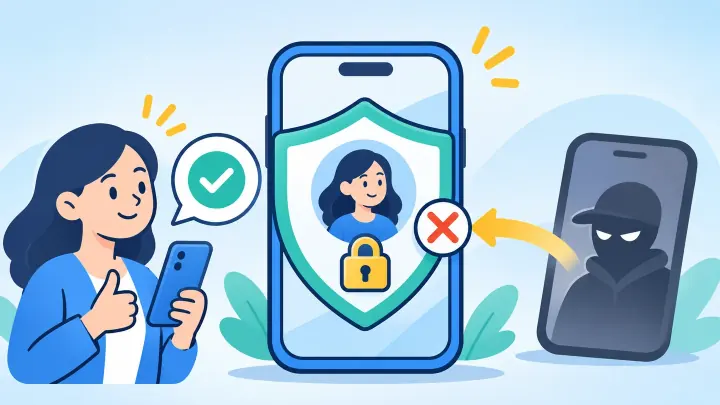
Does eSIM Protect Against SIM Swap Fraud
eSIM removes the plastic card a thief might steal, but it does not end SIM swap fraud. A criminal can still trick a carrier or take over an online account to move a phone number. The strongest defense is a transfer lock, a protected carrier account, and login methods that do not depend on text messages.
Browse by topic
Start with the part of your eSIM experience you need help with.
Troubleshooting
Fix activation, mobile data, messaging, signal, and network-selection problems.
Activation stuck · no data · wrong network · missing texts
Setup and transfers
Install an eSIM, move it to a new phone, or convert a physical SIM safely.
Install · transfer · restore · convert a physical SIM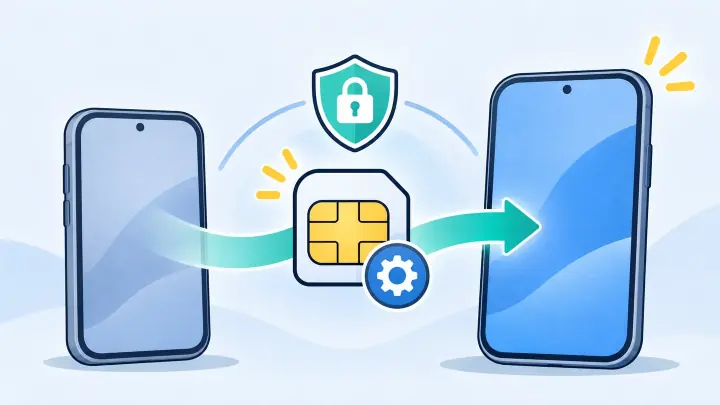
Compatible devices
Check eSIM support across phones, smartwatches, tablets, and regional variants.
iPhone · Samsung · Pixel · Apple Watch
Using an eSIM
Understand calls, messages, travel data, dual-line use, cruises, and layovers.
WhatsApp · SMS · cruises · layovers
Providers and carriers
Find provider-specific activation, transfer, availability, and account guidance.
Airalo · Orange · Telstra · Verizon
Technology and security
Learn how eSIM provisioning, device identifiers, iSIM, and account protection work.
EID · SM-DP+ · iSIM · SIM-swap protection
Plans and comparisons
Compare plan formats, physical SIMs, global coverage, and remote-travel options.
Local vs global · prepaid vs fixed · satellite
Recently published
New answers from the uPhone Learn library.
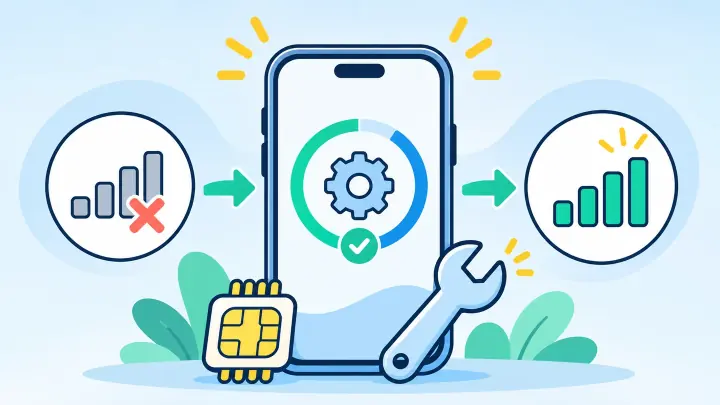
How to Fix eSIM Not Working After an iPhone Update
An iOS update can restart mobile services, change which line carries data, or leave a carrier update waiting. Your eSIM is often still installed, so check its settings before you remove anything.
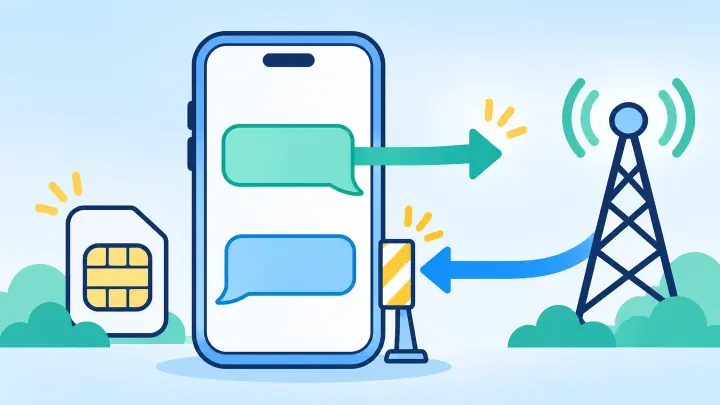
Why Your eSIM Can Send Texts but Not Receive Them
Outgoing and incoming texts use different routes. Your eSIM may be able to send while the carrier still points incoming messages to an old SIM, another phone, or a blocked message service.
How to Restore an Accidentally Deleted eSIM
A deleted eSIM cannot be restored from the phone’s trash or a normal backup. The carrier or travel provider must let the device download the profile again, often with a replacement QR code or account transfer.
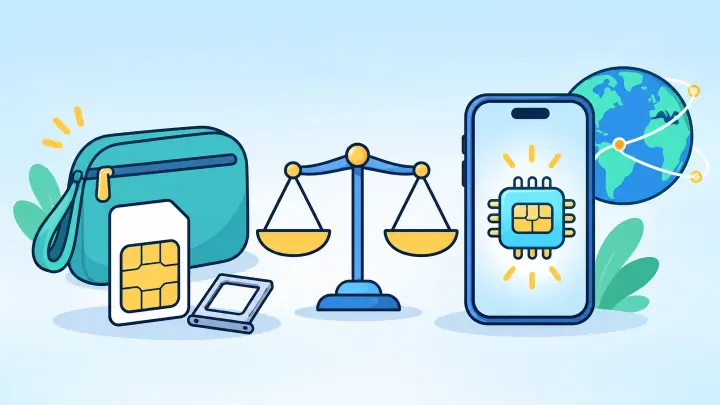
Travel eSIM vs International SIM Card
A travel eSIM and international SIM card can provide similar roaming service across countries. The eSIM arrives digitally and keeps the phone’s card slot free. The international physical SIM works in more older phones and can be moved between compatible devices. Compare the underlying countries, networks, rates, and number features because the format alone does not decide value.
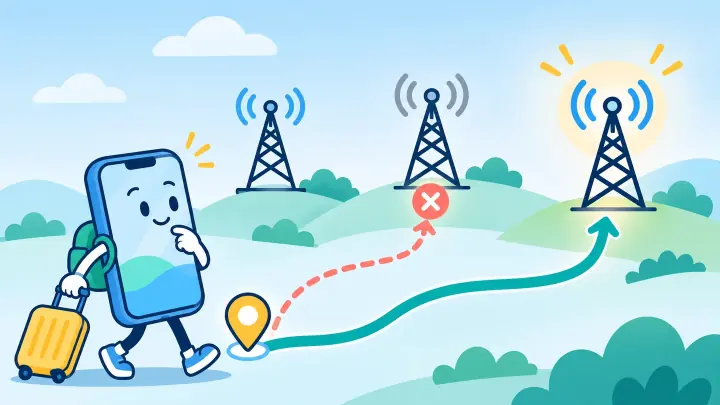
How to Fix the Wrong Network on a Travel eSIM
A phone can see many carriers abroad, but a travel eSIM may use only selected partners. Start with automatic selection, then choose a provider-approved network by hand when the phone registers on a weak or unusable carrier.
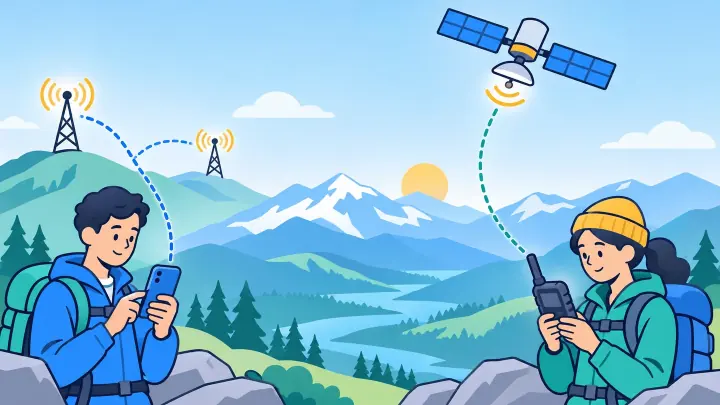
eSIM vs Satellite Phone for Remote Travel
A travel eSIM is better where cellular networks exist because it is cheaper, faster, and easier for maps and internet apps. A satellite phone is built for calls in remote places beyond cell coverage, but it costs more and needs a clear view of the sky. High-risk trips may need both because one does not replace the other.
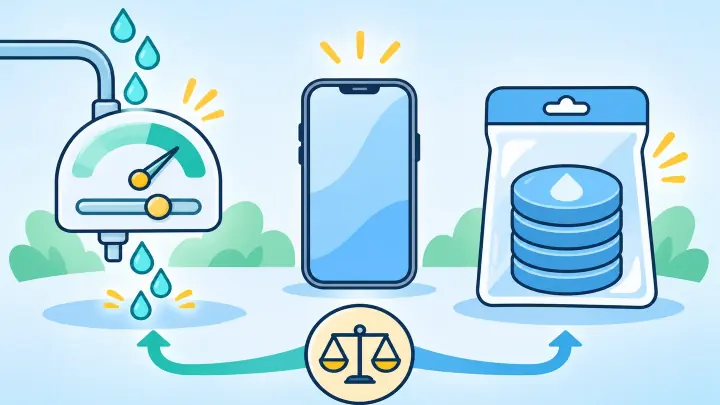
Pay As You Go eSIM vs Fixed Data Plan
A fixed data plan is better when you can estimate the trip and want a firm maximum price. Pay as you go eSIM credit is better for very light, uneven, or backup use when the per-megabyte rate is reasonable and credit lasts. Compare minimum top-ups, expiration, and country rates before deciding.