VPN vs Proxy vs Tor —
What's the Difference?

All three promise privacy. All three work differently. Here's which one actually works for travellers — and when to use each.
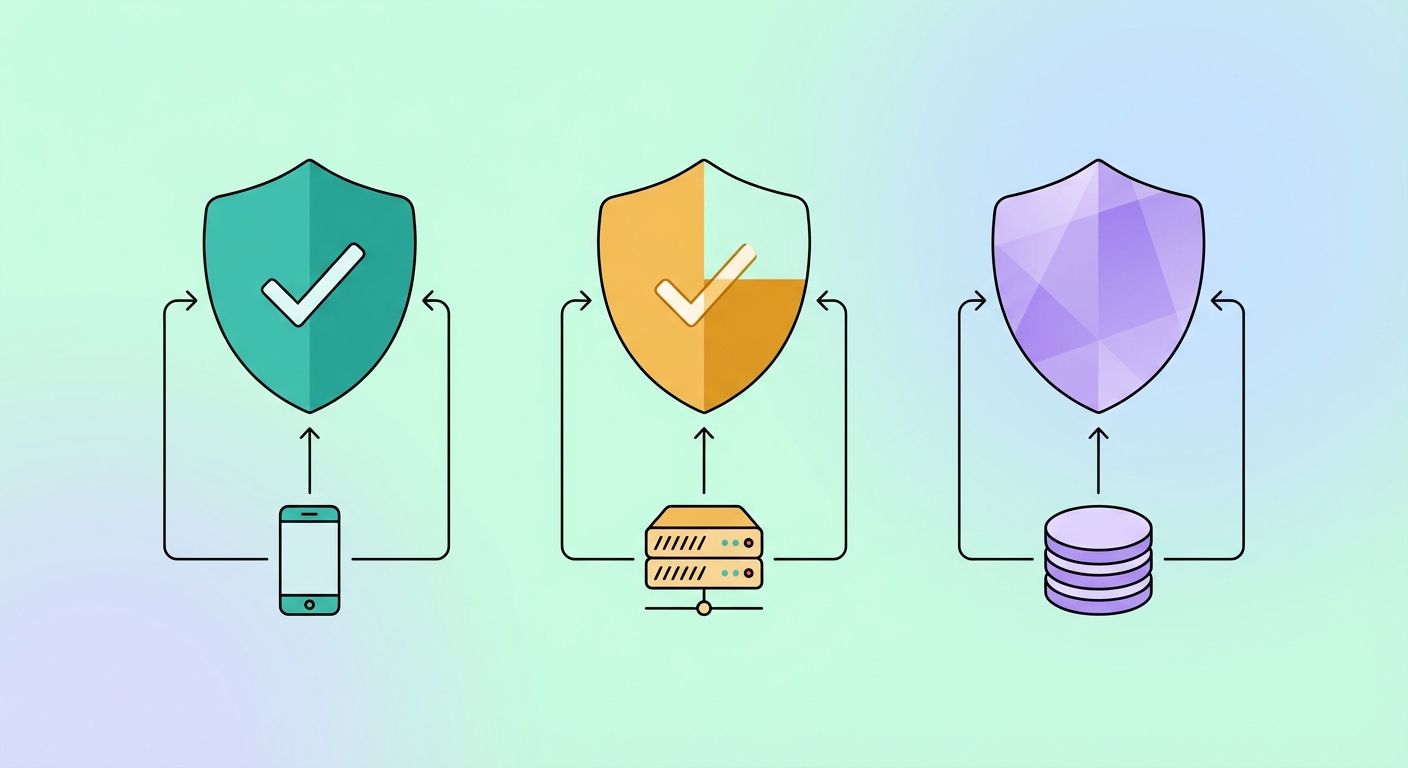
VPN vs proxy vs Tor comparison

Quick comparison

Already know a VPN is right for you? Jump straight to the best VPN providers for travel, or read about the signs you actually need one.

Feature
VPN
Proxy
Tor
Encrypts all traffic
✅ All traffic
❌ Usually no
✅ Yes
Hides your IP address
✅ Yes
✅ Yes
✅ Yes
Bypasses censorship
✅ Yes
⚠️ Partial
⚠️ Often blocked
Works on all apps
✅ Yes
❌ Per-app only
⚠️ Tor browser only
Speed
🟢 Fast
🟡 Variable
🔴 Very slow
Works in China/UAE
✅ With premium VPN
❌ Rarely
⚠️ Sometimes
Protects on public Wi-Fi
✅ Yes
❌ No
✅ Yes
Anonymity level
🟡 Good
🔴 Low
🟢 Very high
Ease of use
🟢 Easy
🟢 Easy
🟡 Technical
Cost
$3–8/month
Free–$10/month
Free
1
VPN — Virtual Private Network
✅ Best for travellers

A VPN creates an encrypted tunnel between your device and a remote server. All your internet traffic — from every app on your phone — passes through this tunnel. The VPN server's IP address is what websites and apps see, not yours. To understand the technical mechanics, see <a href="/vpn/how-vpn-works" style="color:var(--brand-primary);font-weight:600;">how a VPN works</a>.

Pros
Encrypts 100% of device traffic
Easy to use — one button to connect
Works with all apps (not just browser)
Bypasses censorship in China, UAE, Russia
Protects you on public Wi-Fi
Cons
Costs $3–8/month for a reliable provider
VPN provider can see your traffic (choose a no-logs provider)
Some countries detect and block VPN traffic (use obfuscation mode)
Verdict
For travellers, a VPN is the right tool in almost every situation. It's fast, easy to use, protects all your apps, and reliably bypasses censorship when you choose a <a href="/vpn/best-vpn-for-travel" style="color:var(--brand-primary);font-weight:600;">premium provider with obfuscation support</a>.
2
Proxy — Simple IP masking
⚠️ Limited use

A proxy server acts as a middleman for specific traffic — usually just your browser. You configure your browser (or sometimes one app) to route through the proxy IP. The proxy changes your apparent location but does not encrypt your traffic.

Pros
Free or cheap
Simple to set up for browser use
Changes your apparent location
Cons
No encryption — your data is still visible on the network
Only works per-app (browser, not your whole phone)
Usually blocked in China and UAE
Many proxy operators log your traffic
Browser extensions selling "free" proxies are a privacy risk
Verdict
A proxy is fine for accessing geo-blocked content from a trusted network. It's not suitable for security, censorship bypass, or any situation where you need genuine privacy. Avoid free proxies entirely — they often log and sell your data.
3
Tor — The Onion Router
🔍 Maximum anonymity

Tor routes your traffic through three volunteer-operated servers ("nodes"), encrypting it in layers. Each node decrypts one layer and passes it to the next. No single node knows both your identity and your destination — this provides very high anonymity.

Pros
Very high anonymity
Free to use
Can access .onion sites (dark web)
Trusted by journalists and activists
Cons
Very slow — typically 10-40% of normal speed
Only works in the Tor browser by default (not all apps)
Exit nodes can see unencrypted traffic
Blocked in China and many restricted countries
Not suitable for video calls or streaming
Verdict
Tor is the right tool if you need maximum anonymity — investigative journalism, sensitive communications, or accessing information in an authoritarian country where you need to be completely untraceable. For everyday travel security and censorship bypass, a premium VPN is faster and more practical.