Public Wi-Fi Safety
for Travellers

Airport lounges, hotel lobbies, and café hotspots are the #1 hunting ground for hackers targeting travellers. Here's what's at risk — and how to stay completely safe.

Airport Wi-Fi Hotel networks Cafés & restaurants
View full safety infographic
The risks 1

What hackers can do on public Wi-Fi

On an unencrypted public network, an attacker with freely available tools can do significant damage — often without you ever knowing. If you're not sure how a VPN stops these attacks, read how a VPN works.
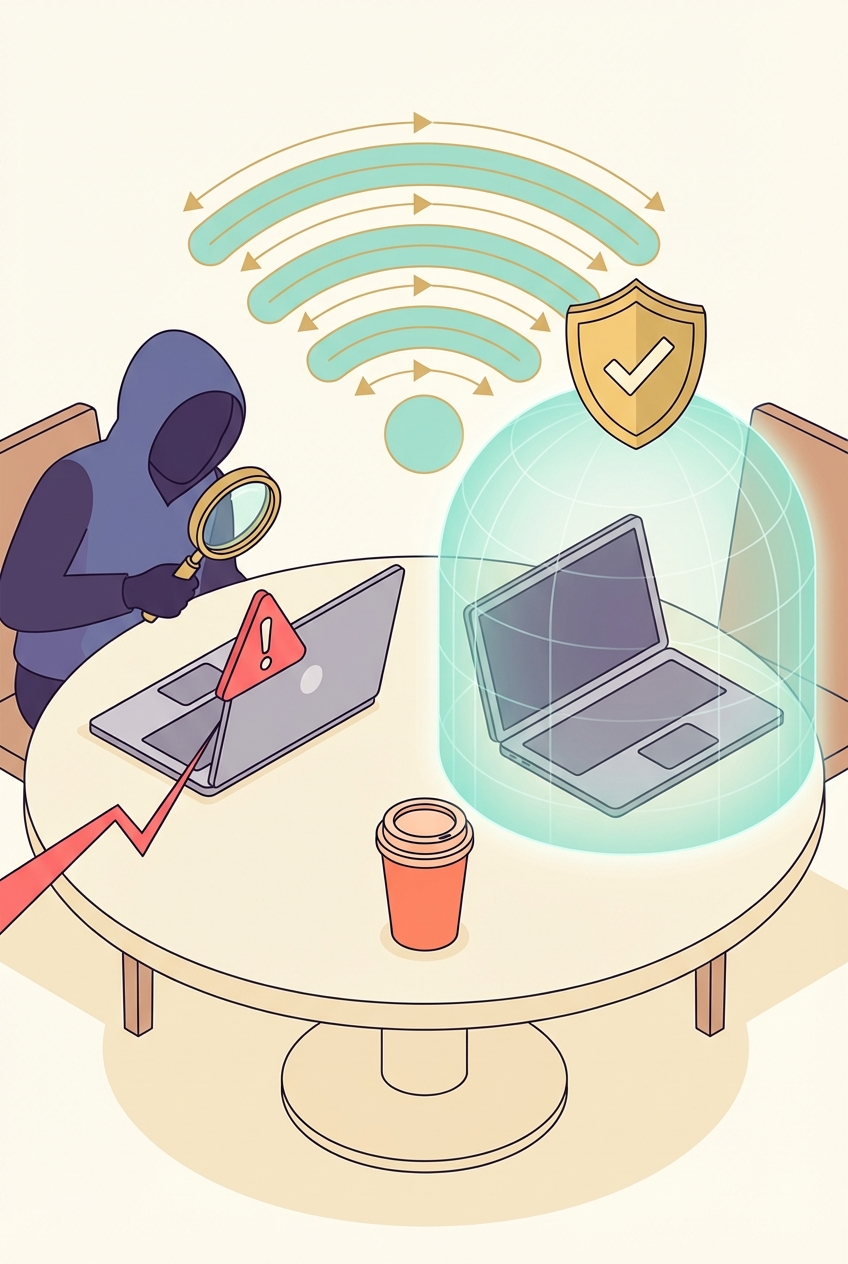
Packet sniffing
Hackers capture all data passing through the network — including login credentials and email content on sites that don't use HTTPS.
Man-in-the-middle
A hacker intercepts traffic between you and the router — reading, modifying, or injecting data into your connection silently.
Evil twin hotspots
Fake Wi-Fi networks with convincing names ("Airport Free WiFi") near real hotspots. All your traffic routes through the attacker's device.
Session hijacking
Stealing your session cookie lets attackers take over your active logins — email, social media — without needing your password.
Public Wi-Fi safety illustration
The golden rule

If a network is open (no password), or you don't fully trust it — connect your VPN before doing anything. This one habit eliminates almost all public Wi-Fi risk.

Hotspots 2

Riskiest locations for travellers

Not all public Wi-Fi is equally dangerous. These are the locations where attackers concentrate — because that's where the targets are.
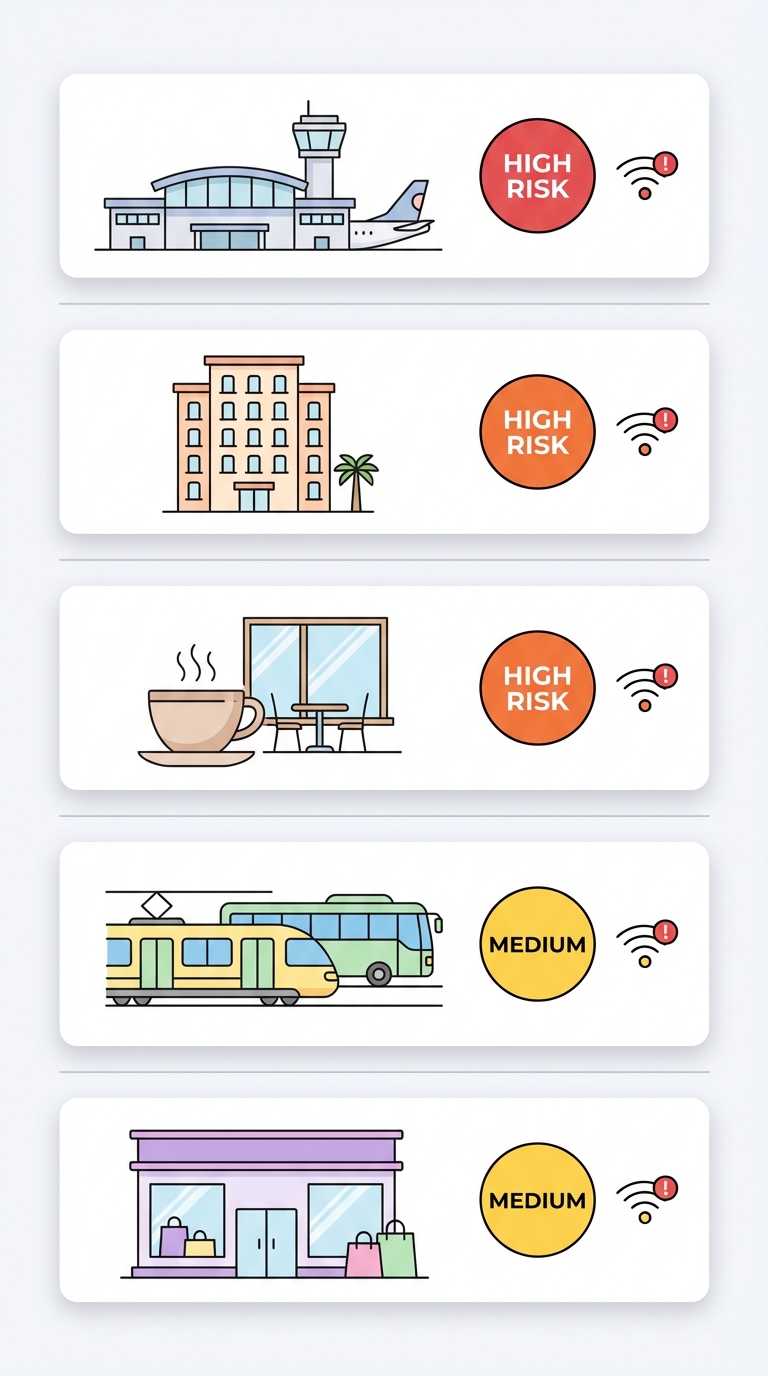
Highest
International airports
High density of targets. Attack tools can be left running for hours.
High
Hotel lobbies & rooms
Hotel networks often run all guests on the same subnet — a hacker in another room can see your traffic.
High
Cafés and restaurants
Open networks mean anyone nearby can join — including attackers.
Medium
Train stations & buses
Public transport Wi-Fi is typically unencrypted and widely used by criminals who know passengers are distracted.
Medium
Shopping malls
Retail Wi-Fi often collects your email and browsing data as part of marketing programs.
Riskiest Wi-Fi locations for travellers
Protection 3

Public Wi-Fi safety rules

Follow these six habits and you'll be protected in virtually any public network scenario.
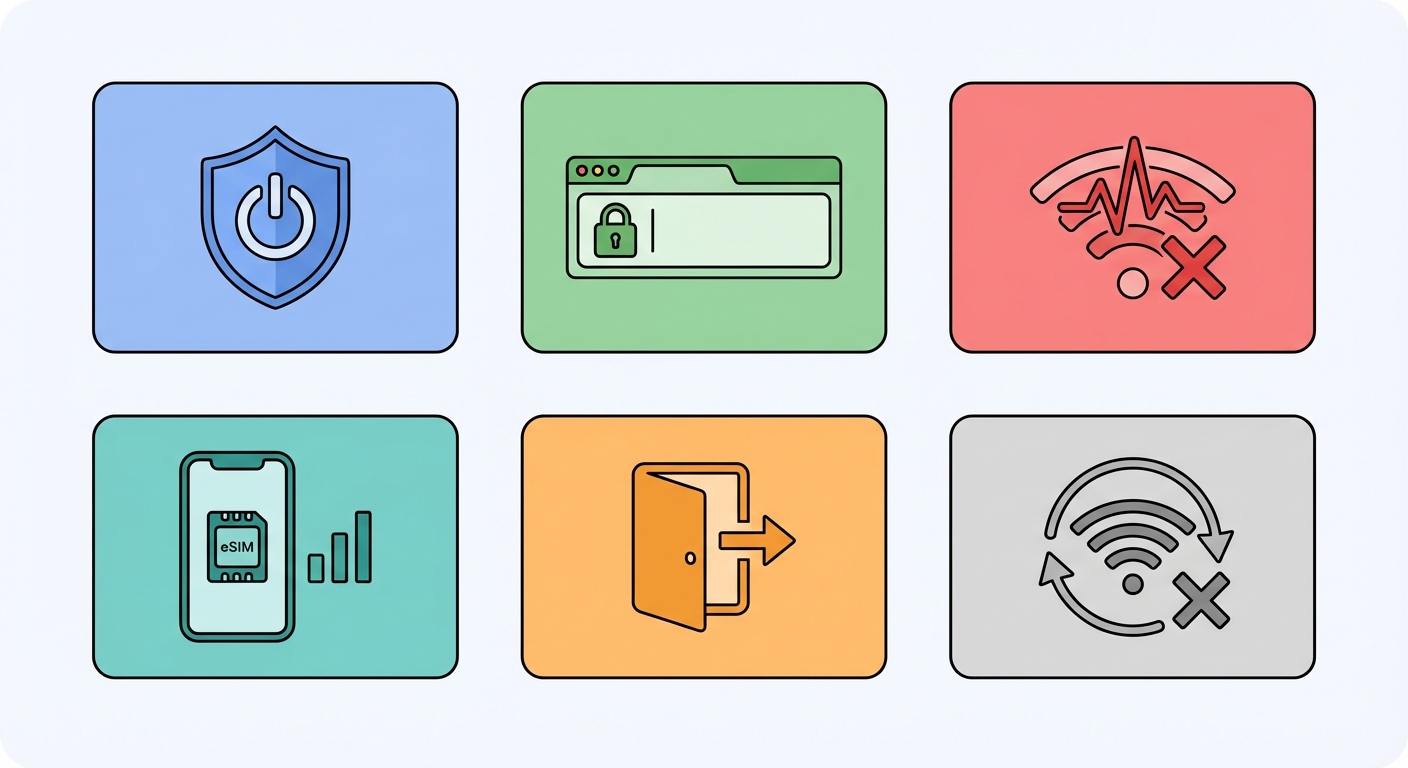
Always use a VPN
Turn on your VPN before connecting to any public Wi-Fi. This single habit eliminates most risks.
Stick to HTTPS sites
Look for the padlock icon. Never enter passwords on http:// (non-secure) sites.
Be suspicious of open networks
If a Wi-Fi network has no password and a suspiciously helpful name, use your mobile data (eSIM) instead — check our <a href="/esim/esim-coverage" style="color:var(--brand-primary);font-weight:600;">eSIM coverage guide</a> to confirm data is available at your destination.
Use mobile data as fallback
Your uPhone eSIM is inherently safer than shared Wi-Fi. Use it when you're unsure about a network.
Log out of sensitive accounts
Log out of banking and email when done — don't leave sessions open on public networks.
Forget networks after use
iPhone: Settings → Wi-Fi → tap the network → Forget. Prevents auto-reconnecting to the same (or fake) network later.
Public Wi-Fi safety rules
How it works 4

How a VPN protects you on public Wi-Fi

When your VPN is on, all your data is encrypted before it leaves your device. Even if a hacker intercepts your traffic — through packet sniffing, an evil twin, or a compromised router — all they see is unreadable ciphertext. To set up your VPN now, follow the iPhone setup guide or Android setup guide.

Your requests travel through an encrypted tunnel to the VPN server — completely invisible to anyone on the same Wi-Fi network.
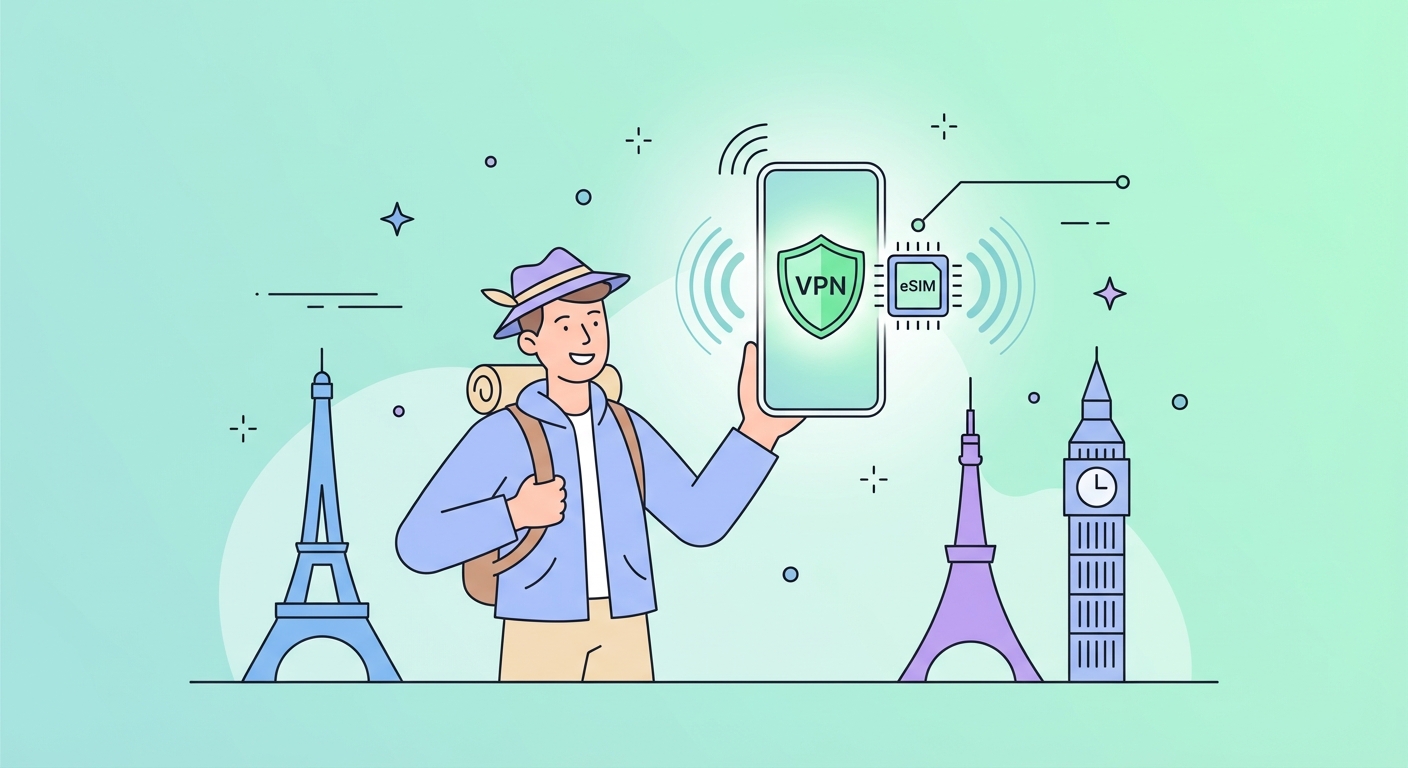

Without vs with a VPN
How each threat scenario plays out
Threat scenario
Without VPN
With VPN
Password on HTTP site
❌ Visible in plaintext
✅ Encrypted — unreadable
Evil twin hotspot
❌ All traffic exposed
✅ Encrypted tunnel
Hacker on same network
❌ Session hijack risk
✅ No useful data to steal
ISP/hotel logging
❌ Full visibility
✅ Sees only VPN traffic
Skip public Wi-Fi — use a uPhone eSIM instead

Skip public Wi-Fi altogether

A uPhone eSIM gives you fast 4G/5G mobile data in 150+ countries — often cheaper than hotel Wi-Fi upgrades. Use it as your primary connection and stay safe by default.