What Is an eSIM? The Complete Guide

Everything you need to know about embedded SIM technology — from first principles to activation, compatibility, and the best plans for travel.

Instant activation No physical SIM Dual SIM support Works in 190+ countries
The basics 1

An eSIM is a SIM card built into your phone

A physical SIM is a removable plastic card you slot into your phone. An eSIM — embedded SIM — is a chip soldered directly onto the motherboard. You activate it by scanning a QR code or entering an activation code — no physical card needed, no store visit required. For a full comparison, see eSIM vs physical SIM.
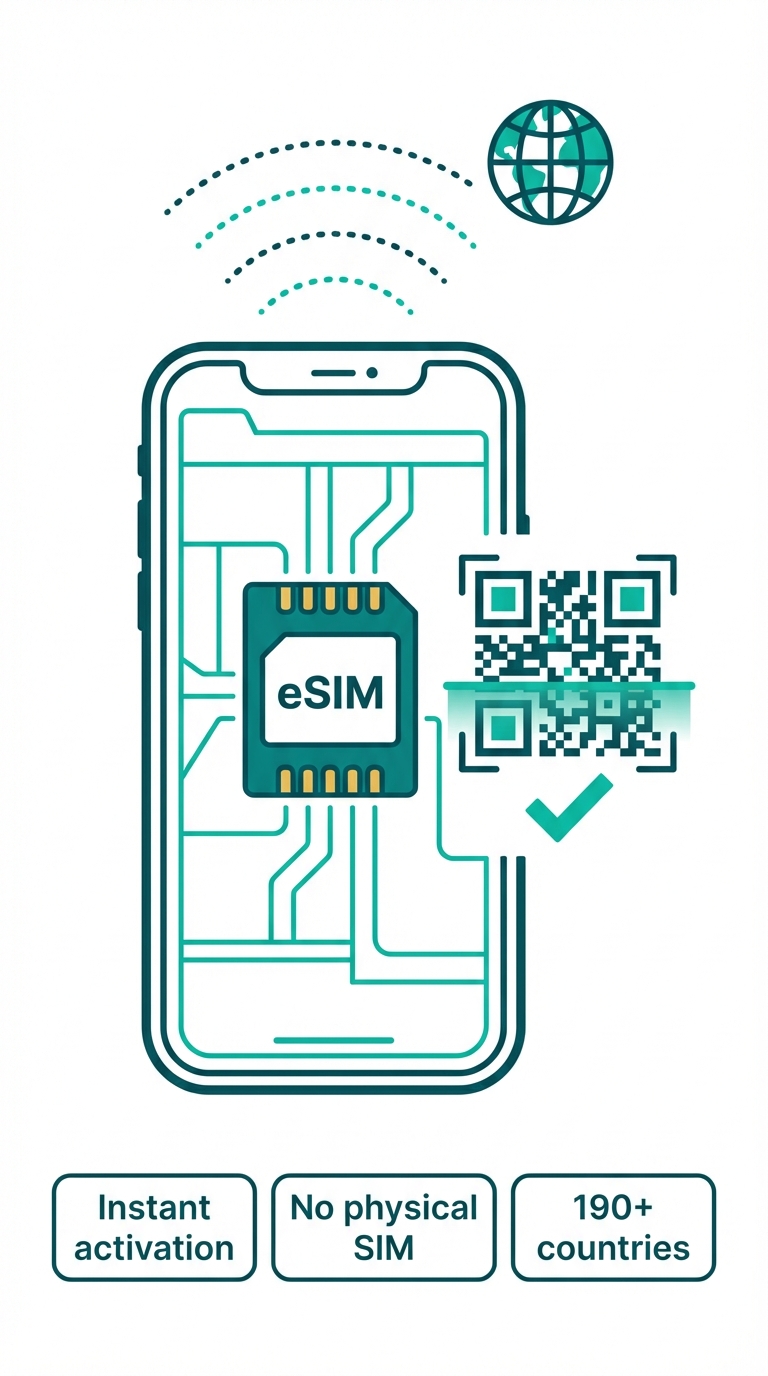
Built into the hardware
The eSIM chip is permanently part of your device — it cannot be removed or lost.
Activated by QR code
Scan a QR code from your provider and your plan downloads in seconds.
Supports multiple profiles
iPhones can store up to 8 eSIM profiles — switch between them in Settings.
Switch carriers instantly
No physical swap required. Change your data provider from your phone's settings menu.
eSIM chip embedded in a smartphone
Why switch 2

Why travellers are switching to eSIM

eSIM isn't just a convenience upgrade — for travellers it removes a whole category of friction from every trip. If you need data for streaming or want to pair your eSIM with a VPN, see our guides on eSIM data plans and eSIM + VPN setup.
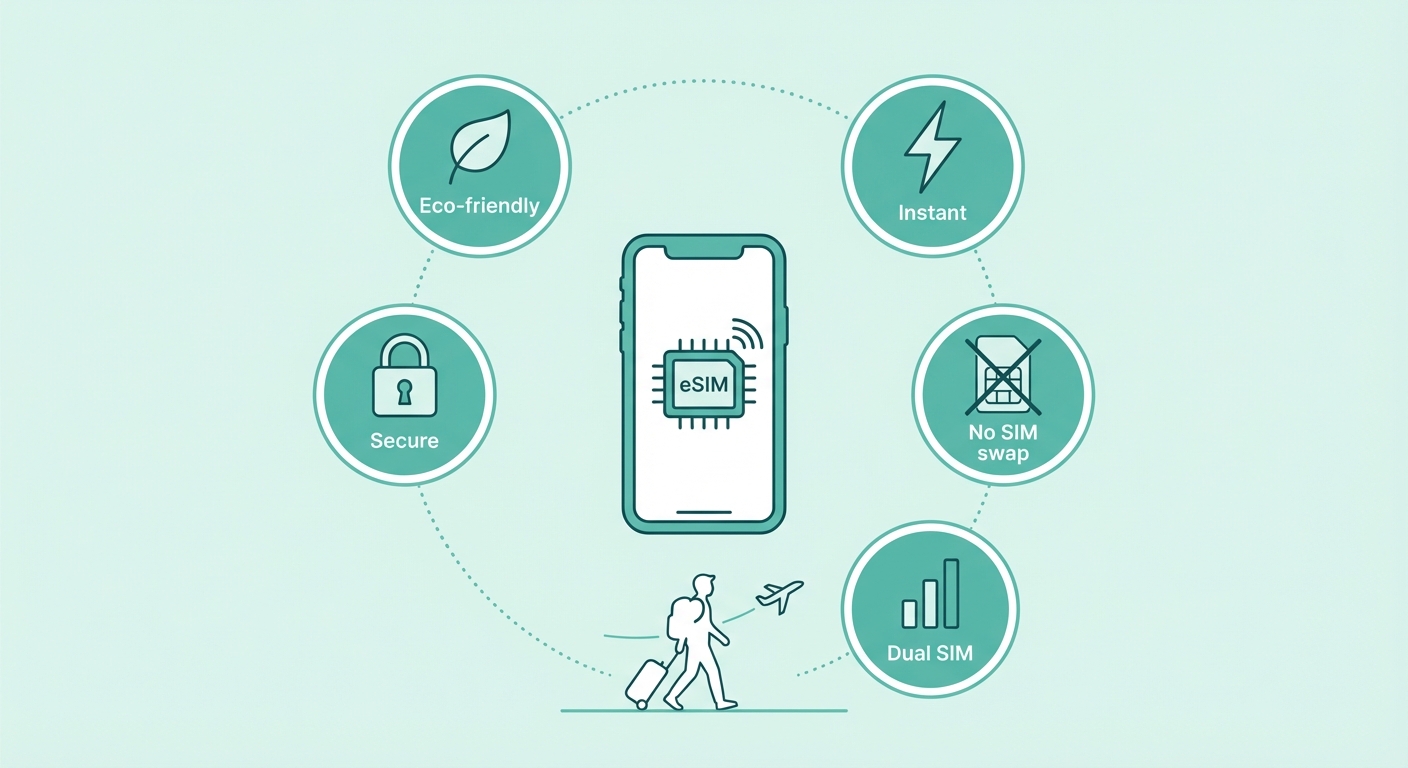
Instant activation
Buy a plan and activate it in minutes — from anywhere. No store visit, no waiting for a package to arrive.
No physical swapping
Never fumble with a SIM pin tool over an airport sink. Your eSIM is always in your phone.
Dual SIM
Keep your home number active on your physical SIM while your eSIM handles cheap local data.
Fewer lost connections
A physical SIM can be bent, lost, or dropped down a drain. An eSIM cannot.
Eco-friendly
No plastic packaging, no plastic card, no courier delivery. Better for the planet.
eSIM benefits for travellers
Quick compare 3

eSIM vs Physical SIM — at a glance

A quick reference for the key differences. For the full breakdown, see our detailed eSIM vs physical SIM comparison.

Feature
eSIM
Physical SIM
Activation
Instant (QR code)
Visit store or wait for delivery
Switching
Instant, software
Physical swap
Dual SIM
Yes (eSIM + nano)
Depends on phone
Lost/damaged
Cannot lose it
Risk of loss or damage
Availability
iPhone XR+, most flagship
Universal
Travel use
Ideal
Requires unlocked phone + local SIM

Get started in 3 steps

Ready to make the switch? Here's all you need to do.
1
Check compatibility

Is your phone eSIM-capable? Most phones released after 2019 are. Check our compatibility guide to be sure.

Check compatibility →
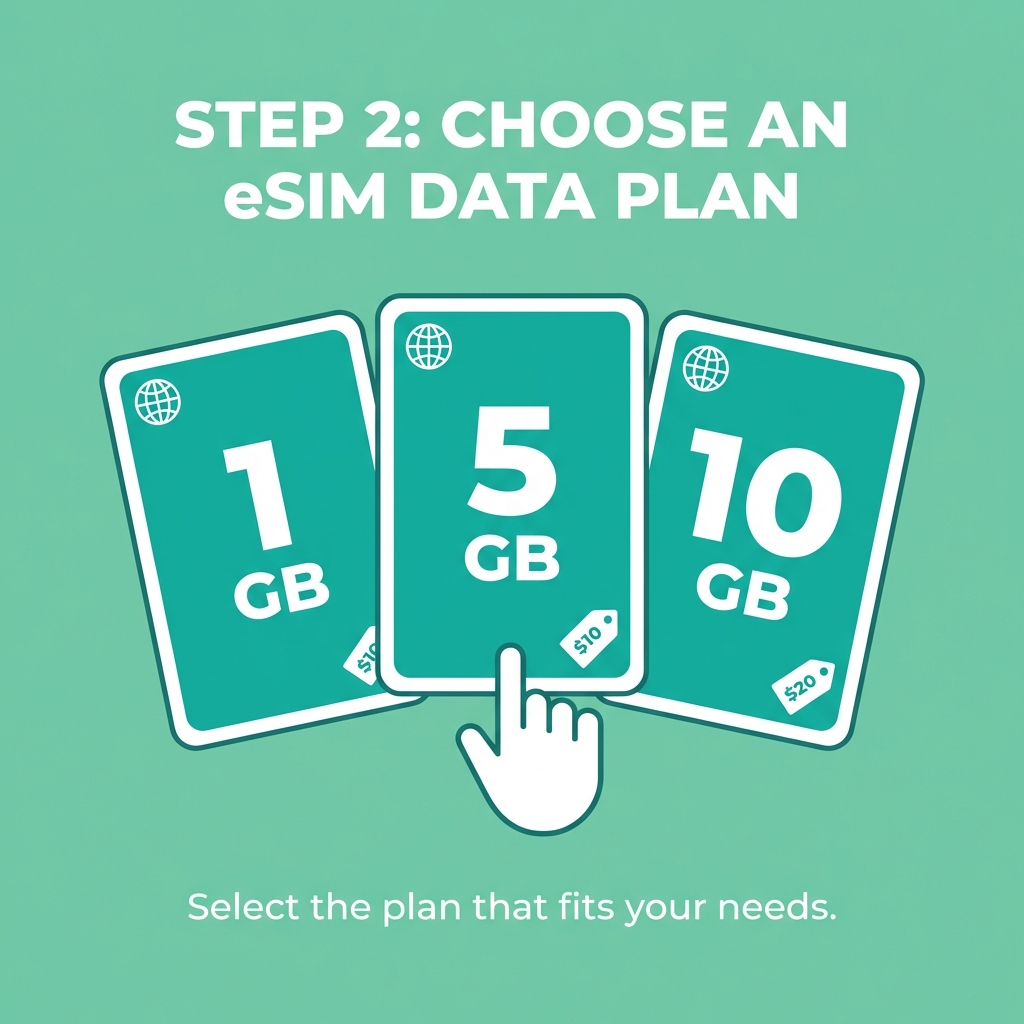
2
Choose a plan

Browse uPhone plans by country or region. Pick the data amount that matches your trip length.

Browse plans →
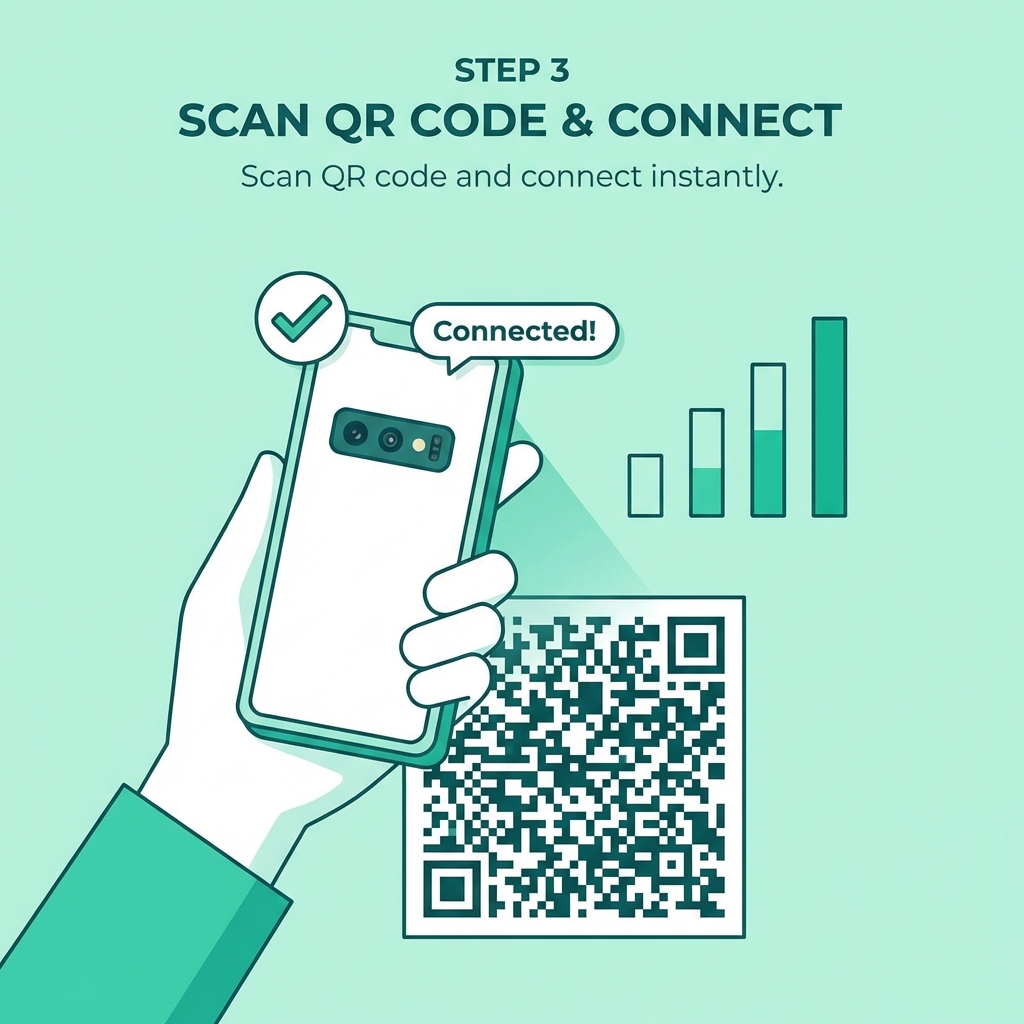
3
Scan & connect

Scan the QR code from your order confirmation and your eSIM activates instantly. You're connected.

Installation guide →

Common questions

Yes — most modern smartphones support Dual SIM, meaning you can run an eSIM alongside your physical SIM simultaneously. Keep your home number on your physical SIM and add a uPhone eSIM for local data while travelling. See the full <a href="/esim/esim-dual-sim-setup" style="color:var(--brand-primary);font-weight:600;">dual SIM setup guide</a> for step-by-step instructions.

Yes — eSIM is at least as secure as a physical SIM, and arguably more so. The profile is encrypted during provisioning and bound to your specific device hardware. It cannot be physically stolen.

Yes — eSIM and physical SIM are independent. You can deactivate your eSIM and use your physical SIM at any time. Having an eSIM doesn't remove physical SIM functionality.

Your eSIM plan can be re-activated on a new device. Contact your eSIM provider with your order details — they will issue a new QR code. Physical SIMs cannot be remotely re-issued.