From purchase to connected
in under 2 minutes.
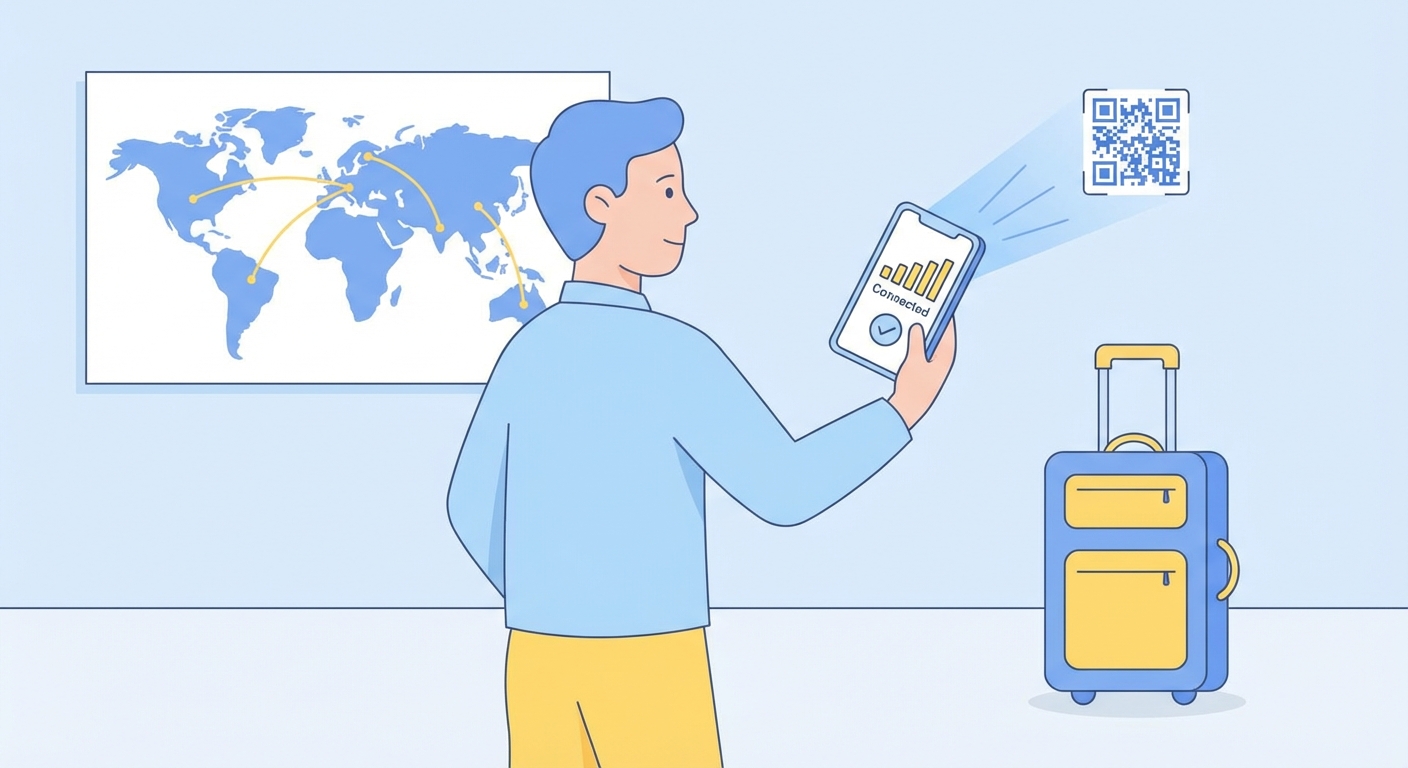
No store visit. No physical SIM. No waiting. Just choose a plan, pay, and scan.
Browse plansHow eSIM works
Choose your plan
Browse plans by country (Japan, USA, UK…), region (Europe, Asia…), or pick a global plan that works everywhere. Filter by data size and validity to find exactly what your trip needs.
- 150+ countries and regions
- 1 GB to unlimited data
- 1-day to 365-day validity
- Prices in your local currency

Pay securely — get your QR instantly
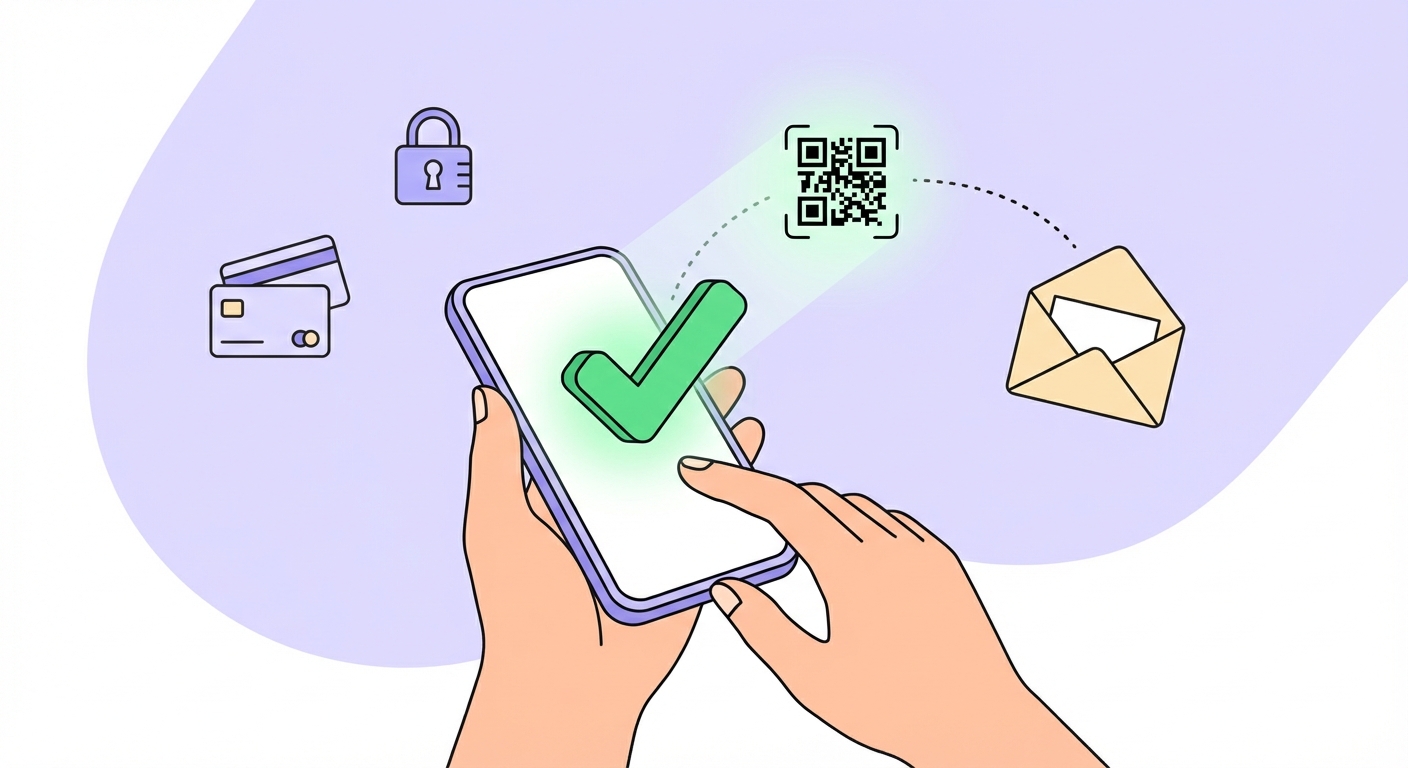
Checkout takes under 30 seconds. Pay with card, Apple Pay, or Google Pay — all processed securely by Stripe. Your eSIM QR code is sent to your email within seconds of payment.





- No hidden fees
- SSL encrypted
- Card details never stored
- Instant email delivery
Scan & connect
Open your phone's Settings, go to Cellular / Mobile Data → Add eSIM, and scan the QR code from your email. Your plan is ready to use — you can even install it before you travel and activate it on arrival.
- Settings → Cellular → Add eSIM
- Tap "Use QR code"
- Scan the QR from your email
- Label it (e.g. "Japan trip") and done