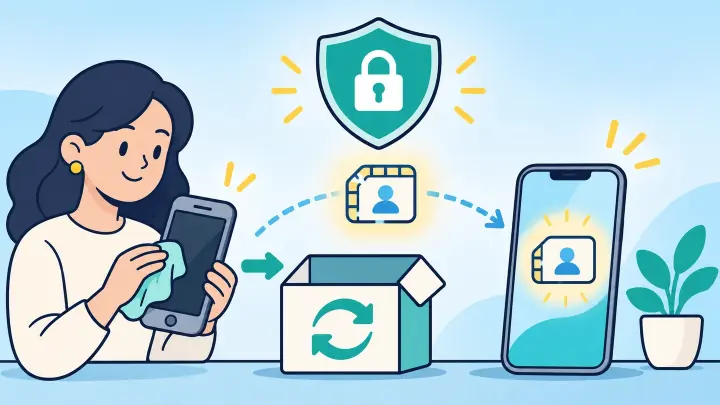
TLDR
- Back up the old phone and charge both devices.
- Confirm the new phone supports the carrier and eSIM.
- Transfer through the carrier before deleting anything.
- Test the number and mobile data on the new phone.
- Remove accounts and erase the trade-in only after service works.
Prepare the replacement before touching the trade-in
Back up photos, contacts, messages, authenticator recovery information, and app data. The eSIM transfer moves mobile service, not the rest of the phone. Make sure you know the Apple, Google, Samsung, and carrier passwords.
Update both phones and connect them to private Wi-Fi. Find the new phone’s EID and IMEI. Check the exact model with uPhone’s device compatibility checker and the carrier’s compatibility page.
Read the trade-in deadline but do not rush the service move. Keep the old phone powered on, unlocked, and able to receive SMS. It may need to approve the transfer.
| Item | Reason |
|---|---|
| Fresh backup | Protects personal data |
| Carrier PIN | Approves the line move |
| New EID and IMEI | Identifies the replacement |
| Old phone access | Receives approval requests |
Move the eSIM while the old phone still has service
Start with Add eSIM on the new phone. Use nearby transfer when the carrier supports it. Otherwise sign in to the carrier app, choose Change device, or request a replacement QR code.
For a travel eSIM, ask the provider whether transfer is allowed and whether unused data moves. Do not scan the original one-time code on the new phone without approval.
Follow uPhone’s eSIM transfer guide for the transfer choices. If a new profile is issued, use the eSIM installation guide.
The carrier may need the active old line for approval. Erasing first can force an identity-recovery or store visit.
Expect the old line to lose signal
When the carrier assigns the number to the new profile, the old phone may show No Service. That is normal if the new phone begins registering at the same time.
Prove every needed service moved to the new phone
Make an outgoing call and ask another carrier to call back. Send and receive SMS. Check voicemail, caller ID, and any watch or tablet companion line. Turn Wi-Fi off and open a web page.
For a travel profile, choose it for data, follow its roaming rule, and check the destination through uPhone’s eSIM coverage guide. A destination-only plan may not have signal at home, so verify its profile and account status instead.
Check iMessage, FaceTime, RCS, and WhatsApp. Make sure important banking or email apps can receive a code on the new device. Wait until incoming service works; outgoing service can move first.
If the line is installed but not usable, keep both phones and use uPhone’s eSIM troubleshooting guide.
Remove accounts and erase the old phone in the right order
After the tests pass, remove the inactive eSIM from the old phone when it still appears. Sign out of the main Apple or Google account and turn off device-finding and activation-lock features as the trade-in company instructs.
Unpair a smartwatch if its backup or carrier plan depends on the old phone. Remove payment cards and work-management profiles. Take out any physical SIM and memory card.
Run the phone’s full factory reset. Read any prompt about keeping eSIMs and choose to erase them because the phone is leaving your control. A network-settings reset is not enough.
When the welcome screen appears, do not set the phone up again. Record the serial number or trade-in identifier and take a photo showing the device condition.
Protect the trade-in during shipping or store handoff
Use the provided label and packaging. Save the tracking number, receipt, quoted value, and condition photos. In a store, ask for a receipt that identifies the phone.
Keep the old device listed in the carrier account only long enough to confirm the new phone. Then remove it as a trusted device where appropriate. Do not remove the new phone by mistake.
Watch the carrier and trade-in accounts for final confirmation. A trade-in credit and a mobile installment are separate; check both.
Transfer your eSIM before the phone leaves your hands
The safe sequence is backup, transfer, test, sign out, erase, and document. The eSIM and phone number must work on the replacement before the trade-in is reset.
Do not let a shipping deadline replace real service tests. A few extra minutes checking incoming calls, texts, and mobile data can prevent days of account recovery after the old phone is gone.