Troubleshooting
Fix activation, mobile data, messaging, signal, and network-selection problems.
Articles
4 published articles in this topic.
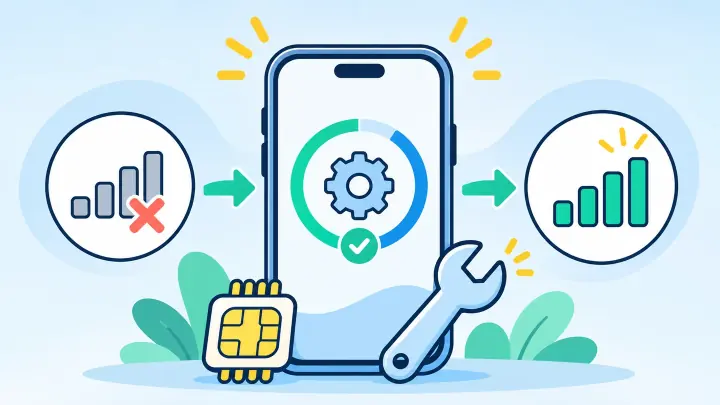
How to Fix eSIM Not Working After an iPhone Update
An iOS update can restart mobile services, change which line carries data, or leave a carrier update waiting. Your eSIM is often still installed, so check its settings before you remove anything.
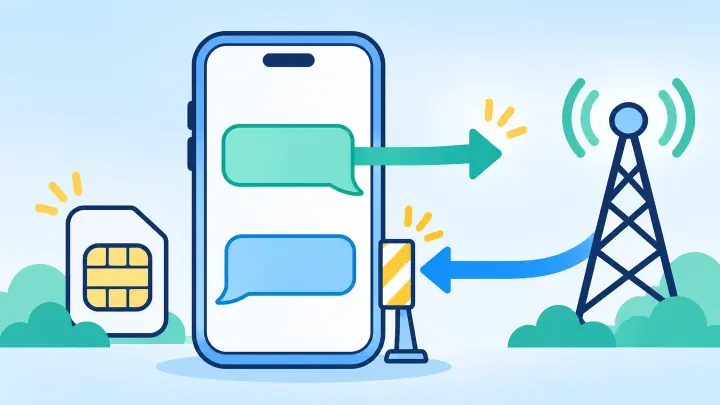
Why Your eSIM Can Send Texts but Not Receive Them
Outgoing and incoming texts use different routes. Your eSIM may be able to send while the carrier still points incoming messages to an old SIM, another phone, or a blocked message service.
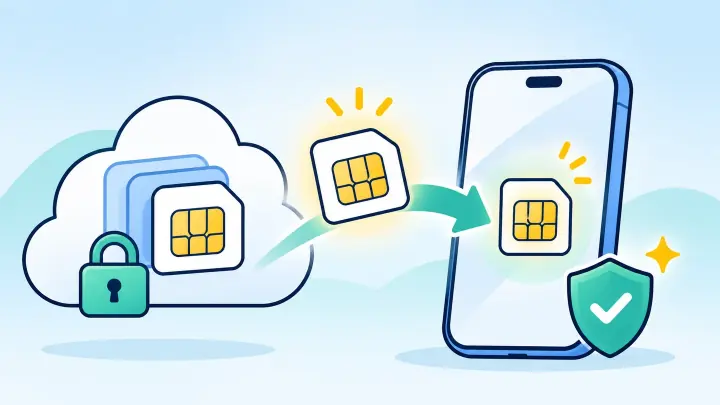
How to Restore an Accidentally Deleted eSIM
A deleted eSIM cannot be restored from the phone’s trash or a normal backup. The carrier or travel provider must let the device download the profile again, often with a replacement QR code or account transfer.
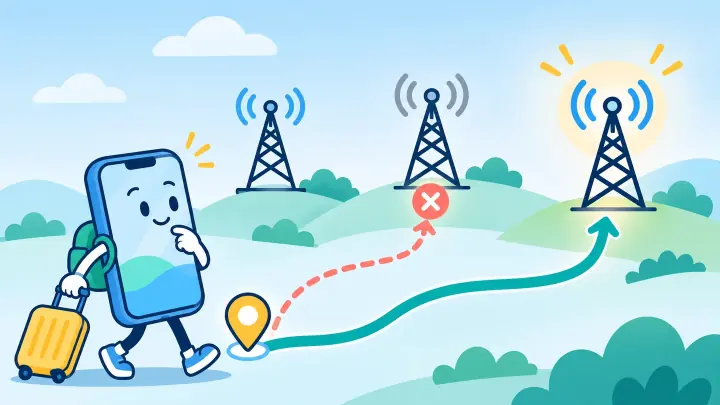
How to Fix the Wrong Network on a Travel eSIM
A phone can see many carriers abroad, but a travel eSIM may use only selected partners. Start with automatic selection, then choose a provider-approved network by hand when the phone registers on a weak or unusable carrier.