VPN Kill Switch Explained
What a kill switch is, why it's the most underrated VPN feature for travellers, and how to enable it on every platform.
What happens when your VPN disconnects?
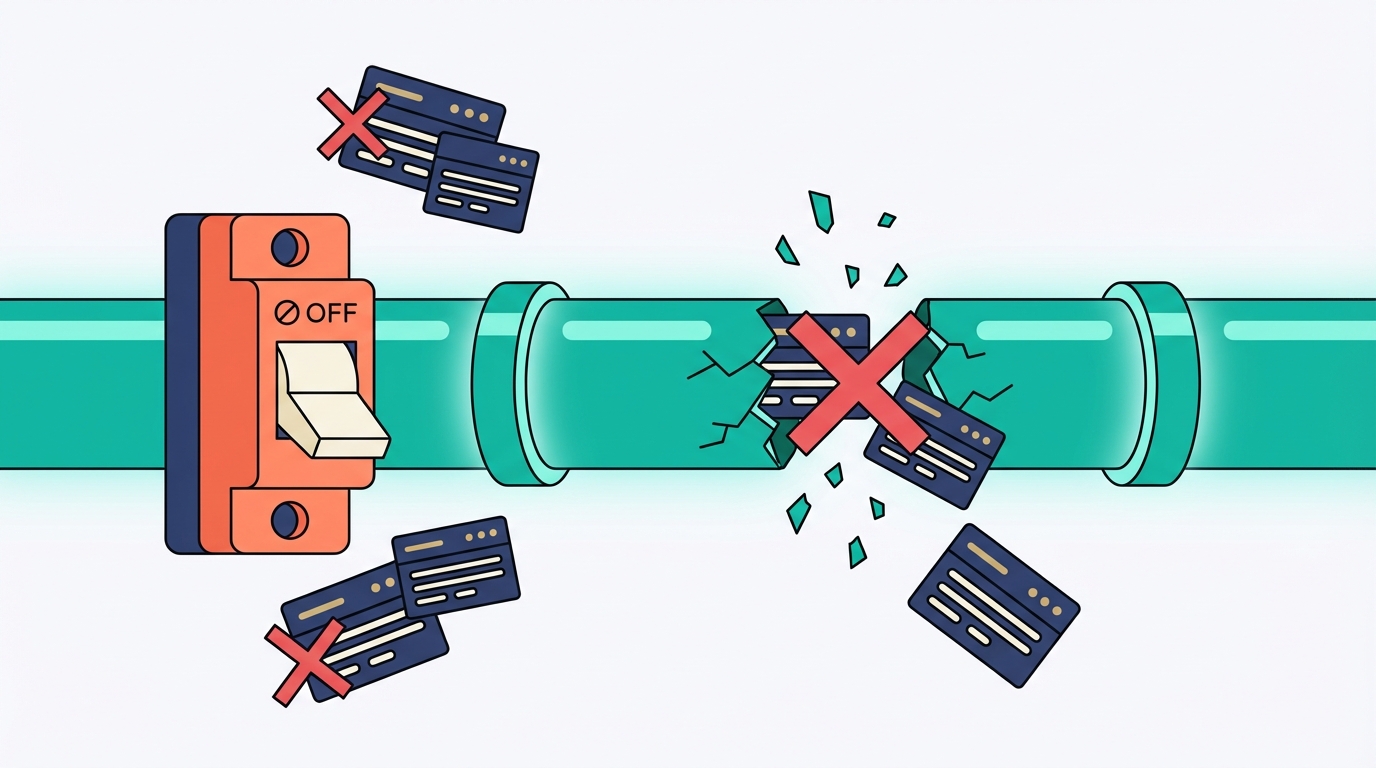
VPN connections drop. It happens when you move between Wi-Fi networks, when your phone wakes from sleep, when a server reboots, or when your internet briefly hiccups. The disconnect itself often lasts less than a second. But in that second, your device reverts to sending traffic directly — unencrypted, via your real IP address.
Without a kill switch, you'd never know it happened. Consider these scenarios:
Most VPN disconnects are invisible. Your browser continues loading. Your apps keep running. You have no idea your real IP address just appeared on an unsecured network — until it's too late.
Kill switch cuts internet the moment VPN drops
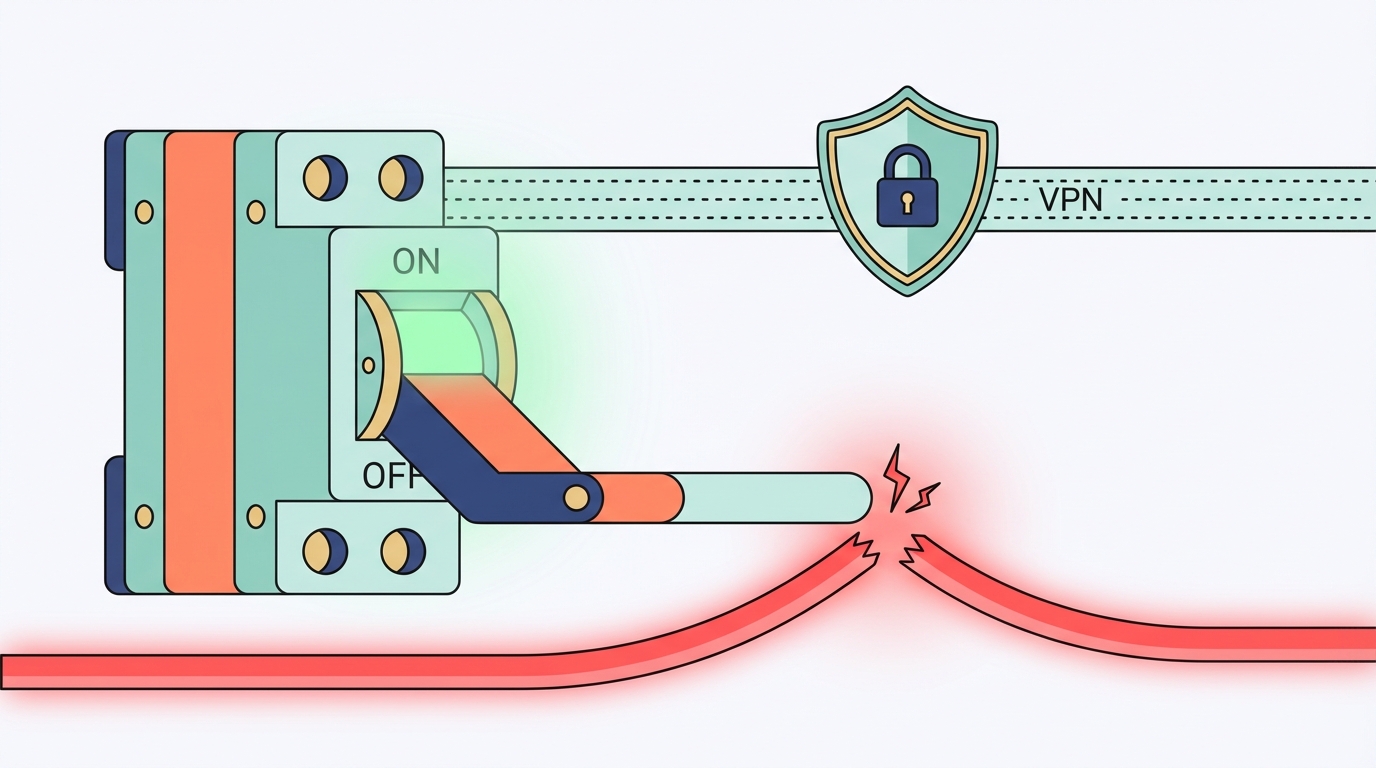
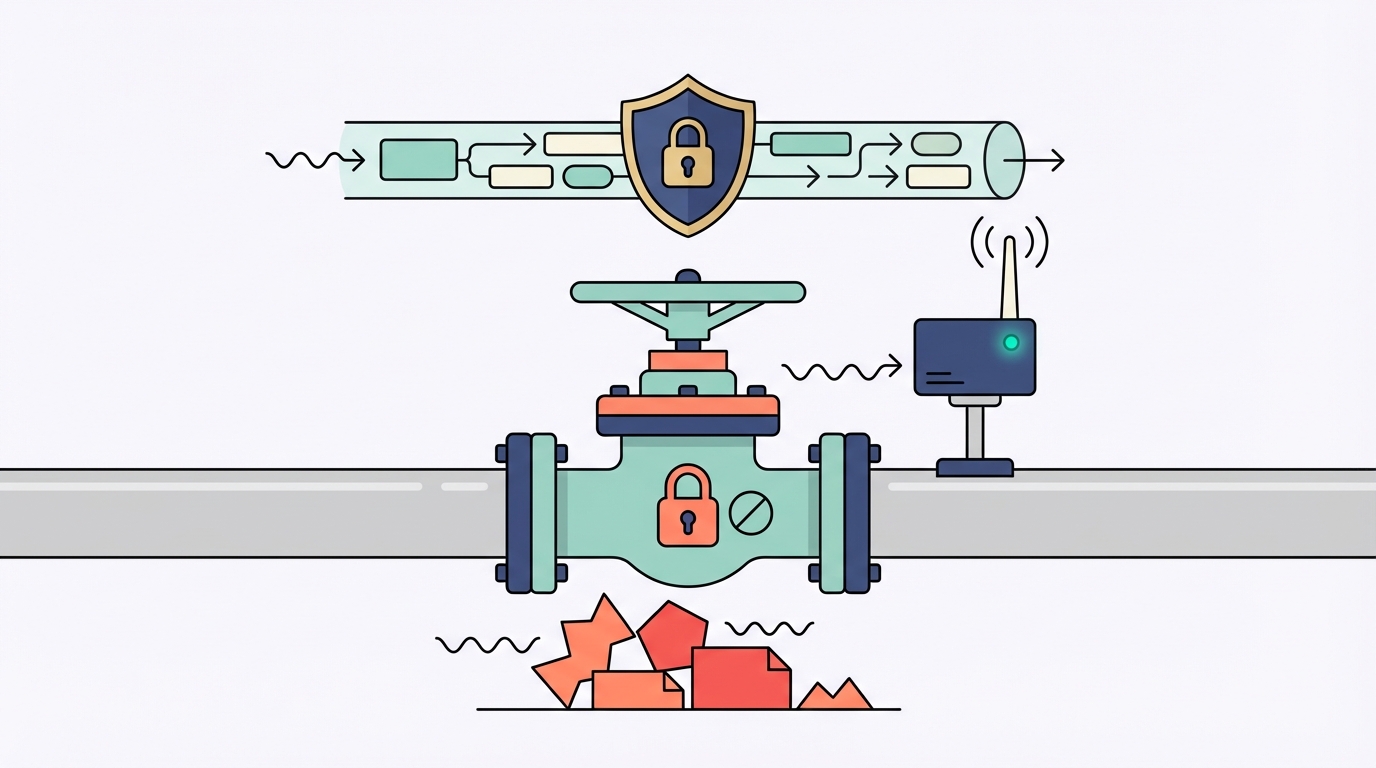
A VPN kill switch is a network-level circuit breaker. It monitors your VPN connection in real time. The moment the VPN tunnel fails — for any reason — the kill switch immediately blocks all internet traffic. Your browser stops loading. Your apps stop syncing. Your real IP address is never exposed.
When the VPN reconnects — usually within a few seconds — the kill switch releases the block and internet traffic resumes normally. The whole cycle often happens without you noticing anything except a brief pause.
A kill switch is like a safety valve on a gas line. You don't notice it 99% of the time — it's just sitting there, monitoring pressure. But when something fails, it shuts everything down instantly and prevents a disaster. You'd never run a gas line without one.
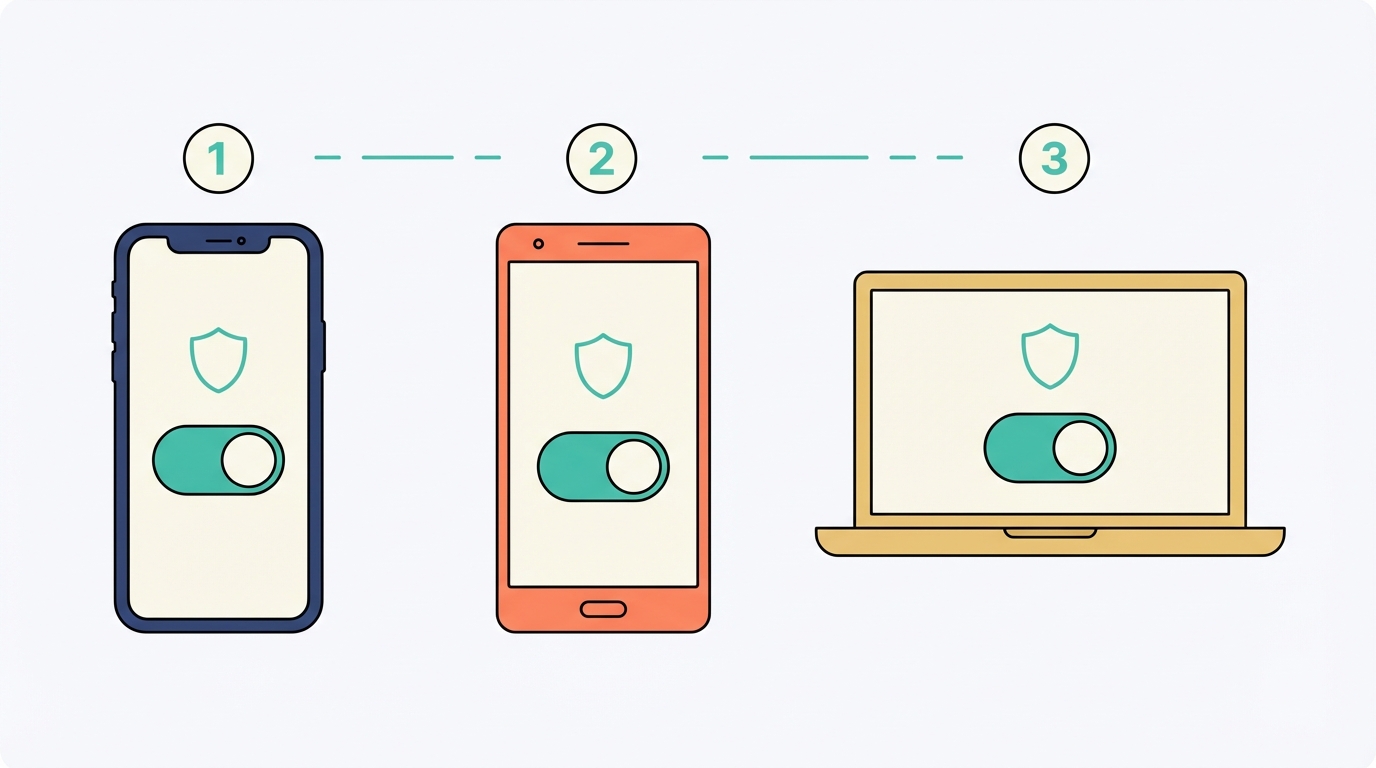
Enable kill switch on every platform
The exact steps vary by VPN app and platform. Here's how to enable it on the most common setups.
Which VPNs include a kill switch?
Every reputable paid VPN includes a kill switch. Free VPNs almost never do — which is another reason not to trust them with sensitive activity.
| VPN provider | Kill switch | Name in app | App-level kill switch |
|---|---|---|---|
| NordVPN | ✅ | Kill Switch | ✅ |
| ExpressVPN | ✅ | Network Lock | ✅ |
| Mullvad | ✅ | Kill Switch | ✅ |
| Surfshark | ✅ | Kill Switch | ✅ |
| ProtonVPN | ✅ | Kill Switch | ✅ |
| Free VPNs | ❌ | N/A — not available | ❌ |