VPN for Banking Abroad
How to safely access your bank accounts and financial apps overseas — without triggering fraud alerts, getting locked out, or exposing your data on public Wi-Fi.
Foreign IPs trigger bank fraud alerts
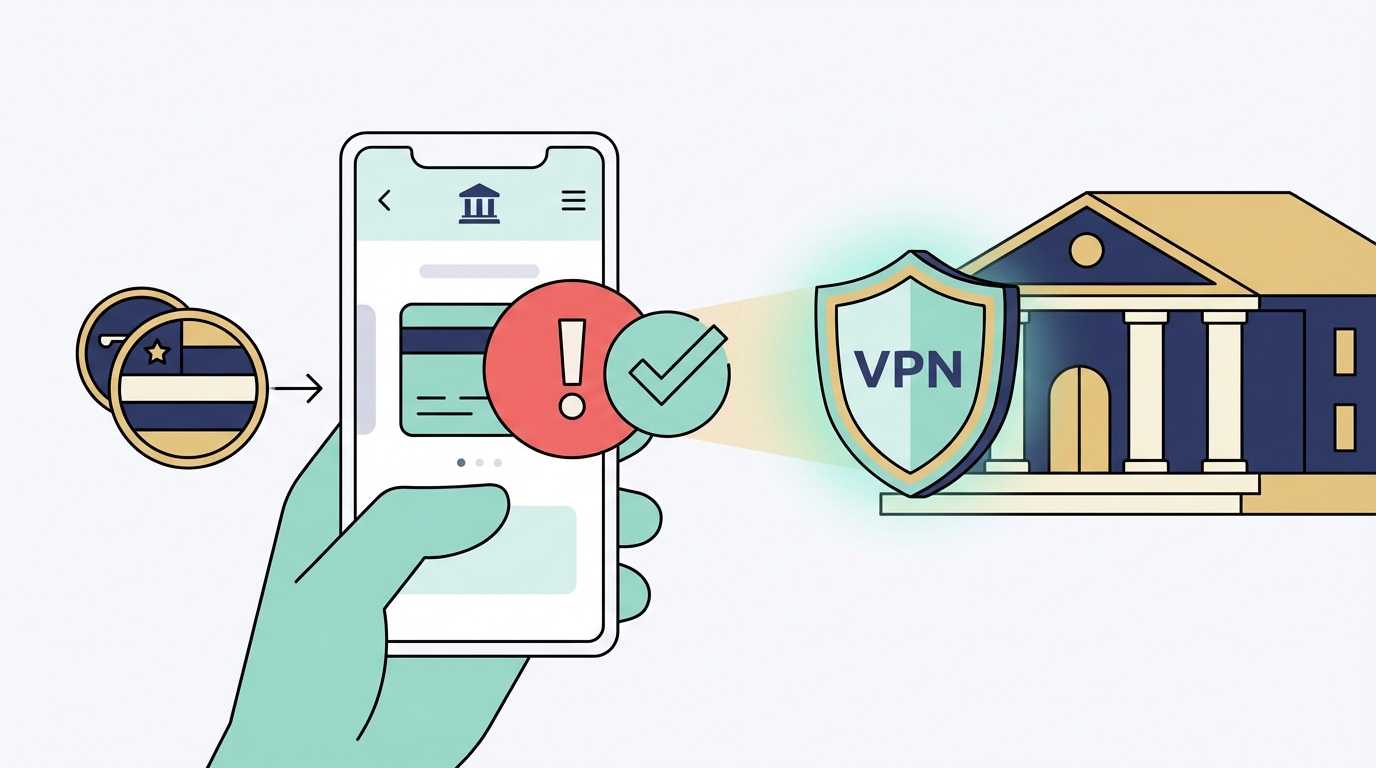
Traditional banks use IP geolocation as a fraud signal. When your UK bank sees a login from an IP address in Vietnam — a country where your account has never been accessed before — its fraud detection system may flag the login, send you an alert, require additional verification, or freeze your account entirely.
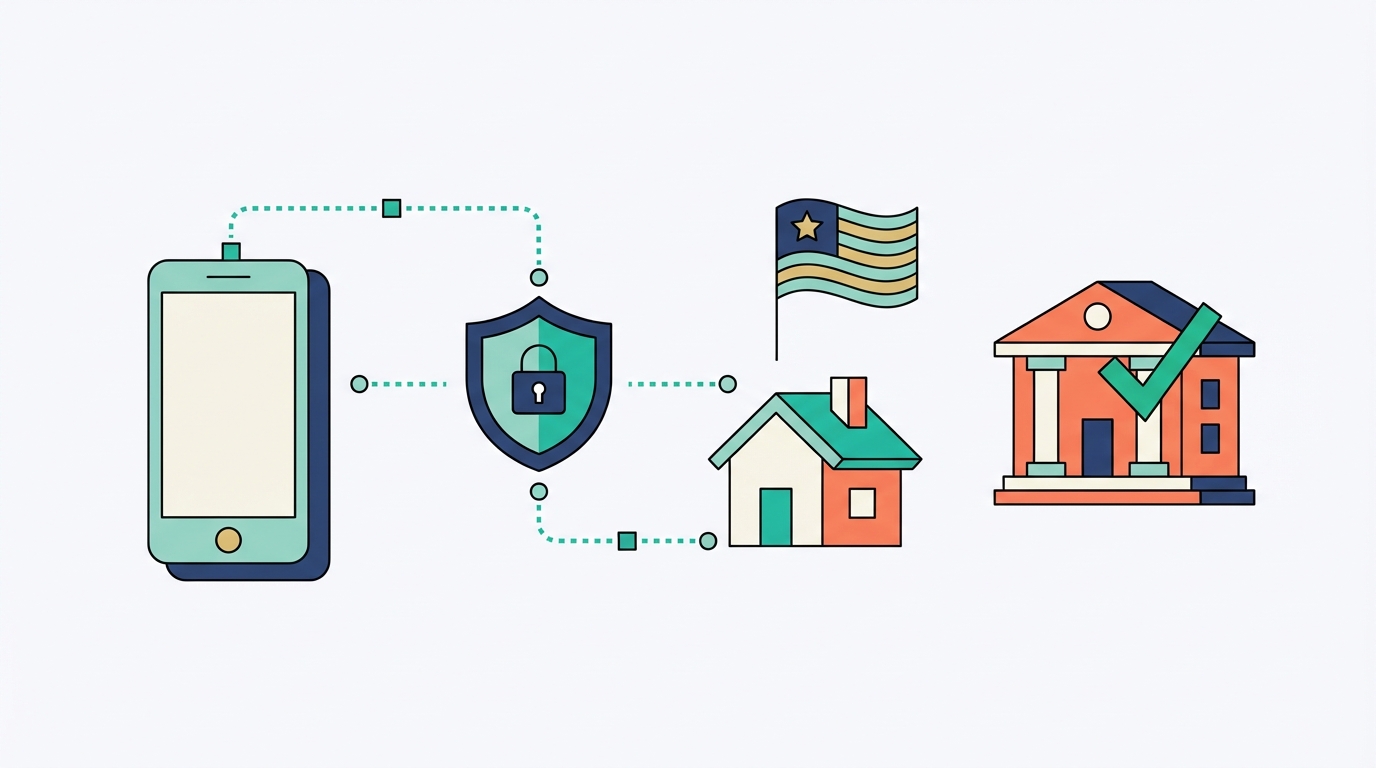
Getting locked out of your bank account while overseas is not just inconvenient — it can leave you without access to funds, unable to pay for accommodation, transport, or medical expenses. The fix is straightforward: before opening your banking app, connect your VPN to a server in your home country. Your bank sees a familiar IP address and allows the login without interruption.
You're in Vietnam, it's Saturday night, and you need to transfer money. Your UK bank blocks the login — fraud alert triggered. Without a VPN, you're calling an international phone number at 3 AM local time to get your account unlocked. With a VPN connected to a UK server, the login goes through normally.
Connect to your home country server
The process is simple and takes under 30 seconds. Make it a habit any time you need to access banking or financial apps while overseas.
Always use a VPN when banking on public Wi-Fi — not just to avoid fraud alerts, but to protect your session from interception. Public networks are a common vector for credential theft.
Banking app restriction risk by type
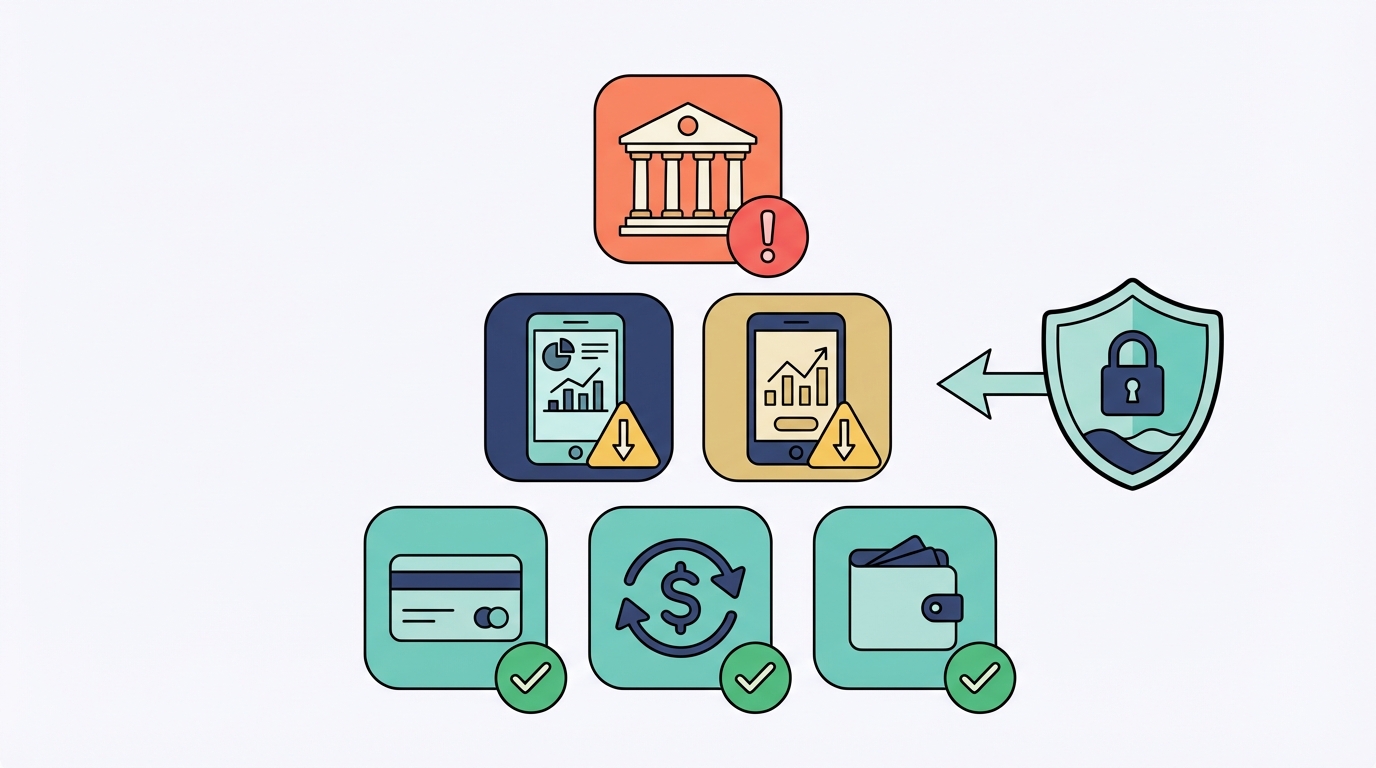
Not all financial apps behave the same. Traditional high-street banks are by far the most aggressive. Digital-first banks and payment platforms are generally more travel-friendly — but still benefit from VPN protection on public networks.
| App type | Examples | Restriction risk |
|---|---|---|
| Traditional banks | Barclays, HSBC, Chase, NAB, Wells Fargo | 🔴 High |
| Digital banks | Revolut, Wise, N26, Monzo, Starling | 🟢 Low |
| Crypto exchanges | Coinbase, Binance, Kraken | 🟡 Medium |
| Payment platforms | PayPal, Stripe, Square | 🟡 Low–medium |
| Investment platforms | Trading 212, eToro, Fidelity | 🟡 Medium |
Banking mistakes that put you at risk
Getting the VPN right is one part of the equation. Avoiding these mistakes is the other.