TLDR
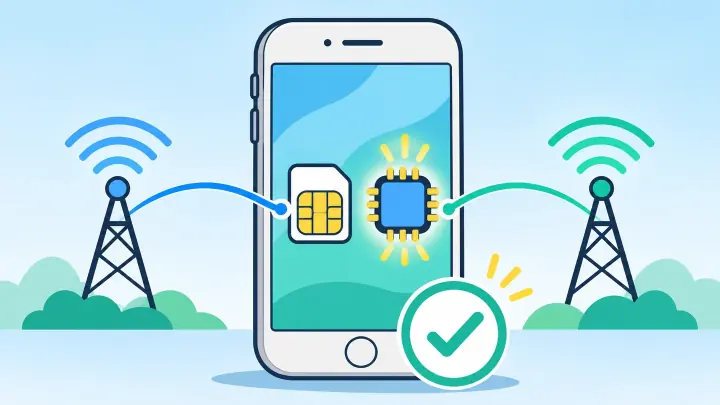
- Most XS and XS Max devices include eSIM hardware.
- They usually pair one active eSIM with a nano-SIM.
- Mainland China versions can use a different SIM design.
- The phone must be unlocked for another provider.
- XS supports LTE rather than 5G.
Compare eSIM support on iPhone XS and XS Max
The screen and battery size differ, but the two models belong to the same eSIM generation. Most versions can store digital profiles and use Dual SIM Dual Standby with a physical card.
Both lines can remain available for calls, but the iPhone uses one cellular-data line at a time. A call on one line can affect the other depending on carrier Wi-Fi calling and data settings.
The XS generation does not normally use two active eSIMs together. Its common Dual SIM arrangement is one physical SIM plus one eSIM. Later iPhones added broader two-eSIM capability.
| Feature | XS family |
|---|---|
| Embedded SIM | Yes on most regional models |
| Physical card | Nano-SIM |
| Common active setup | One nano-SIM and one eSIM |
| 5G | No, LTE only |
Check where the iPhone XS was originally sold
Apple produced regional versions. Models intended for mainland China use physical-SIM arrangements rather than the same eSIM setup found in many other countries. Hong Kong and Macao versions can also differ by model.
Find the Model Number in Settings, General, About. Tap it to reveal the A-number. Do not judge by the current language, carrier, or country because those can change after purchase.
Imported models may support eSIM yet lack a useful local LTE band. Check the full model and destination networks before travel.
Carrier lock is a separate limit
On the About screen, Carrier Lock should say No SIM restrictions. An eSIM menu can exist on a locked XS even when another provider’s plan will not activate.
Prove that your XS can add an eSIM
Look for EID in General and About. Open Cellular or Mobile Service and look for Add eSIM. Update iOS and restart when the phone has not been updated for a long time.
Check the exact model with uPhone’s device compatibility checker. Then ask the chosen provider whether it still supports activation on iPhone XS.
A blank EID or absent Add eSIM after updates can point to an unsupported regional model, management restriction, or hardware repair issue.
Install and label an eSIM on iPhone XS
Use private Wi-Fi and open Settings, Cellular, Add eSIM. Scan the provider QR code or use its carrier or manual method. The uPhone installation guide covers each path.
Label the lines Home and Travel. Choose the travel plan for data and the home line for calls when needed. Follow the plan’s roaming rule and turn off home data roaming.
Use uPhone’s Dual SIM setup guide to control Cellular Data Switching, iMessage, and contacts.
A travel plan may connect only after the XS reaches its covered country.
Plan around iPhone XS age and network limits
iPhone XS has LTE, not 5G. It can use a 5G-branded plan over LTE only when the provider allows fallback. Check uPhone’s eSIM coverage guide for destination support.
Battery health can matter during long travel days. Download offline maps and carry power. Install available security updates and check whether the provider app still supports the installed iOS version.
If the profile installs but service fails, keep it and use uPhone’s eSIM troubleshooting guide.
Use eSIM on iPhone XS with the right expectations
Most XS and XS Max phones support eSIM, but model region and lock status decide the real answer. Verify EID, Add eSIM, and No SIM restrictions.
Use one eSIM with the physical card, plan for LTE service, and confirm current provider support before purchase.