🇲🇸

VPN for Montserrat: Is It Legal & Which VPN Works?

Short answer: Yes, VPNs are legal for personal use in Montserrat. What is blocked, which VPN works best on mobile, and what to do if your VPN is not working.

Travelling to Montserrat? Here's everything you need to know about using a VPN — what to protect, which providers work best, and how to pair it with your eSIM for fast private internet from arrival.

Recommended protocol: WireGuard

What's blocked in Montserrat

Is a VPN legal in Montserrat?

VPN use is legal for personal use in Montserrat. There are no known cases of foreign travellers being penalised for using a VPN here.

Minor restrictions — mainly privacy & streaming benefits

Montserrat has minimal censorship. Most travellers use a VPN here for public Wi-Fi protection and to access their home streaming libraries (Netflix, BBC iPlayer, etc.).

Using your eSIM and VPN together in Montserrat

Your uPhone eSIM provides fast local mobile data in Montserrat. Running a VPN over your eSIM connection encrypts your traffic and lets you access geo-blocked content from home. It also protects you when switching to local hotel or café Wi-Fi.
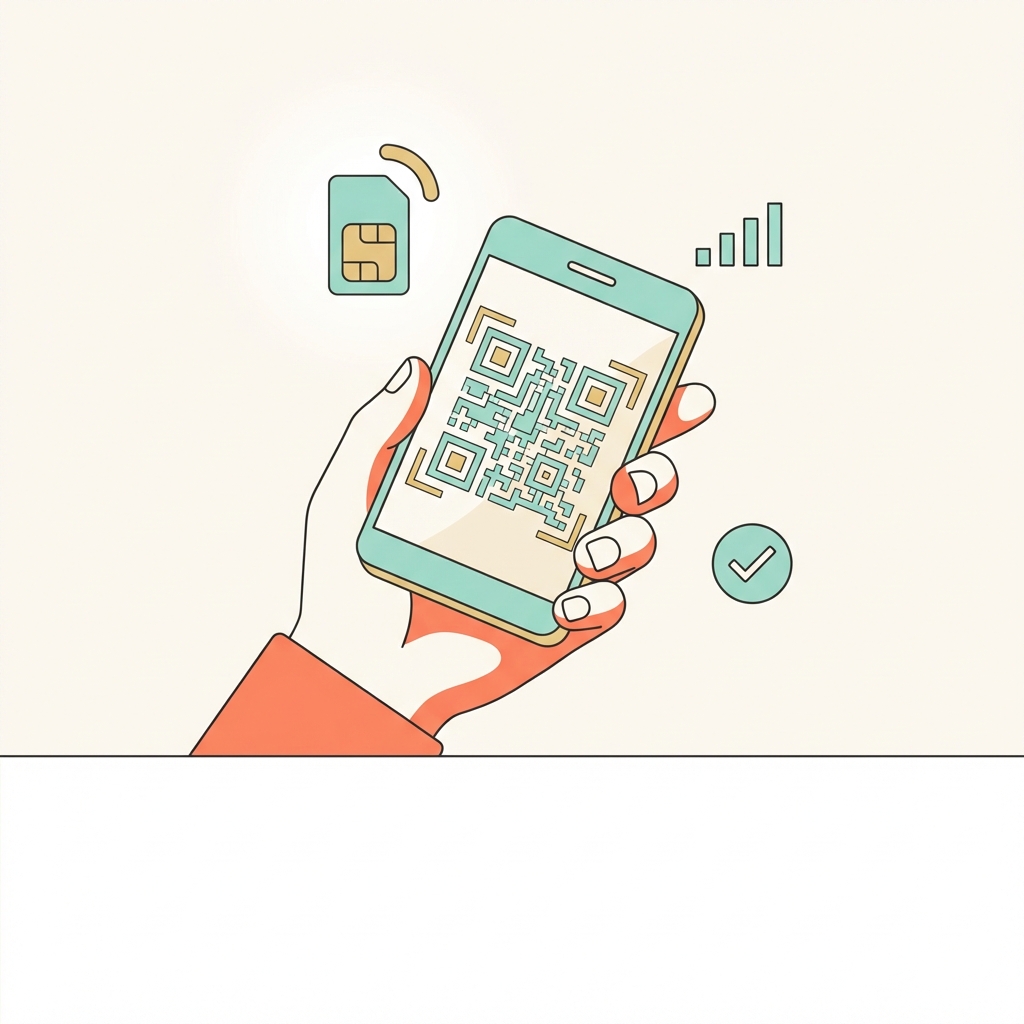
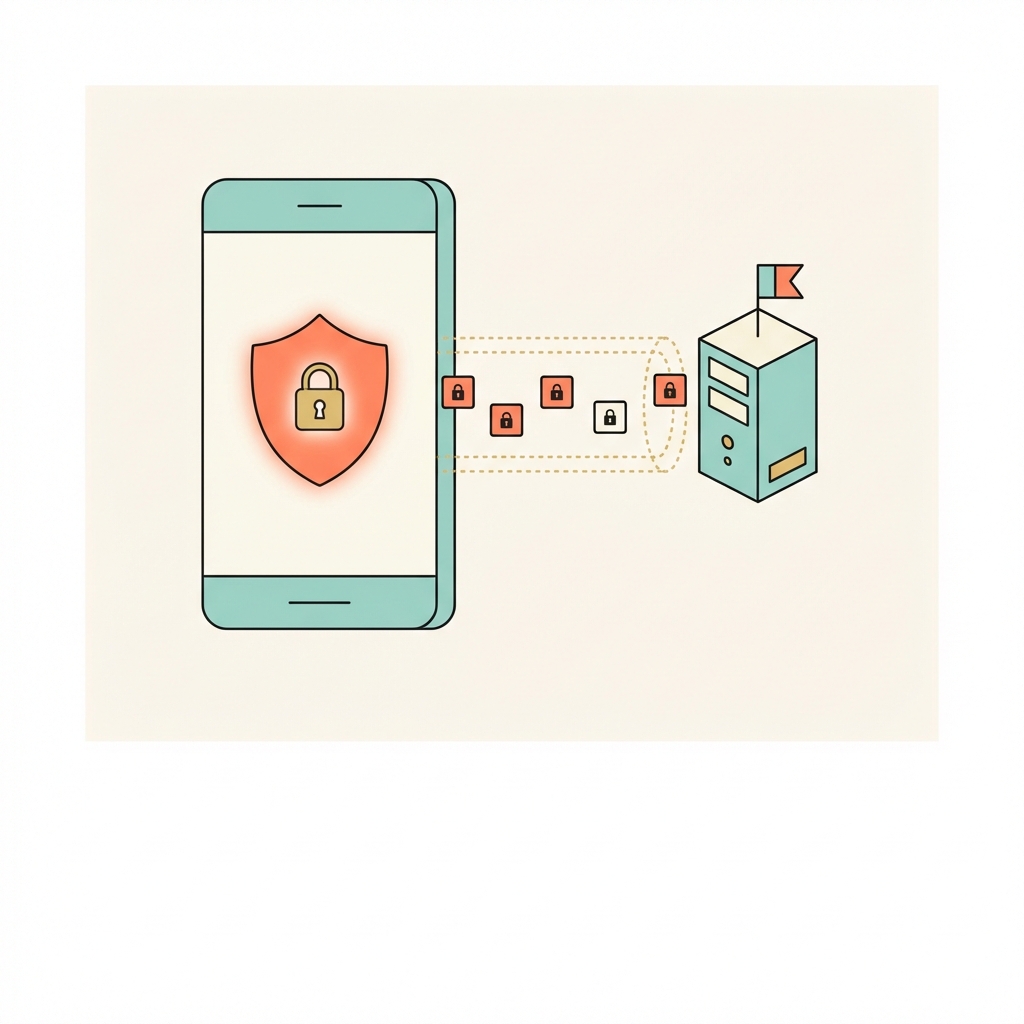
Activate eSIM
1. Activate eSIM
Scan QR code before you land. Your data activates the moment you arrive in Montserrat.
Open VPN app
2. Open VPN app
Connect to a server in your home country. Use WireGuard for best performance in Montserrat.
Browse freely
3. Browse freely
All apps work as normal. Keep VPN on when switching between eSIM and hotel Wi-Fi.
Protocol tip for Montserrat

Use WireGuard — fastest and most battery-efficient for eSIM data. This gives you the best balance of speed and reliability on mobile data in Montserrat.

Best VPN providers for Montserrat

Any of these providers work well in Montserrat. Ranked for travellers prioritising mobile performance:

🥇
NordVPN
Best value — fastest speeds with WireGuard, 6,000+ servers, excellent mobile app. 30-day money-back guarantee.
🥈
ExpressVPN
Best overall reliability — premium pricing but the most consistent performance across 105 countries.
🥉
Surfshark
Best budget option — unlimited devices, strong WireGuard speeds, good for long-term travel.
Full provider comparison with pros/cons →

Internet in Montserrat — what travellers need to know

Montserrat is a British Overseas Territory in the Eastern Caribbean, with much of the island covered by volcanic exclusion zones following the Soufrière Hills eruption (1995-ongoing). The island's population has declined significantly. Internet infrastructure is limited. Salem and the north of the island have basic connectivity. The volcanic Exclusion Zone has no internet. VPN for UK streaming content.

Local streaming services in Montserrat

These services are popular in Montserrat but geo-locked — a local server unlocks them when you're at home, while a home-country server unlocks your own library when you're in Montserrat:

Netflix Montserrat
Privacy & data laws in Montserrat

British Overseas Territory — UK law adjacent. No censorship.

Travel tip for Montserrat

Salem and Little Bay have basic 4G. The Exclusion Zone (south of island) has no signal and is restricted anyway. Plymouth (buried city) is in the Exclusion Zone. Very limited tourist infrastructure.

Pre-trip checklist for Montserrat

Everything to do at home, on your normal internet, before you board.

1
Get your eSIM
Order a uPhone Montserrat eSIM and scan the QR code before you travel. Activates automatically when you land.
2
Sign up for a VPN
Choose ExpressVPN, NordVPN, or Surfshark. Pay and create your account on their website.
3
Install apps on all devices
Download the VPN app from the App Store or Google Play.
4
Enable WireGuard protocol
Settings → Protocol → WireGuard. Fastest speeds on mobile eSIM data.
5
Test at home
Connect to a server in your home country and confirm everything works — Google, WhatsApp, your streaming apps.

Frequently asked questions — VPN in Montserrat

VPN use is legal for personal use in Montserrat. There are no known cases of foreign travellers being penalised.

Yes, it's easiest to set up at home. Montserrat doesn't block VPN downloads, but you'll be glad it's ready from the moment you land.

Yes. A VPN runs over any internet connection — your uPhone eSIM, hotel Wi-Fi, or a physical SIM. The eSIM provides the data connection; the VPN encrypts everything that flows through it. They work together perfectly.

Connect to a server in your home country for the most reliable experience. For best speeds, pick the closest server to Montserrat in a country with no restrictions — Singapore is a popular choice for Asia travel.

Try switching the protocol (Settings → Protocol) to WireGuard or IKEv2. A different server location also usually resolves connection issues.
Travel & Privacy
Do you need a VPN in Montserrat?
Useful. Mainly for public Wi-Fi security and accessing your home streaming library while travelling.
Free 3-day eSIM trial

Check your phone works with an eSIM — and your VPN runs over it — before you fly to Montserrat. Cancel within 3 days at no charge.

Try an eSIM free →
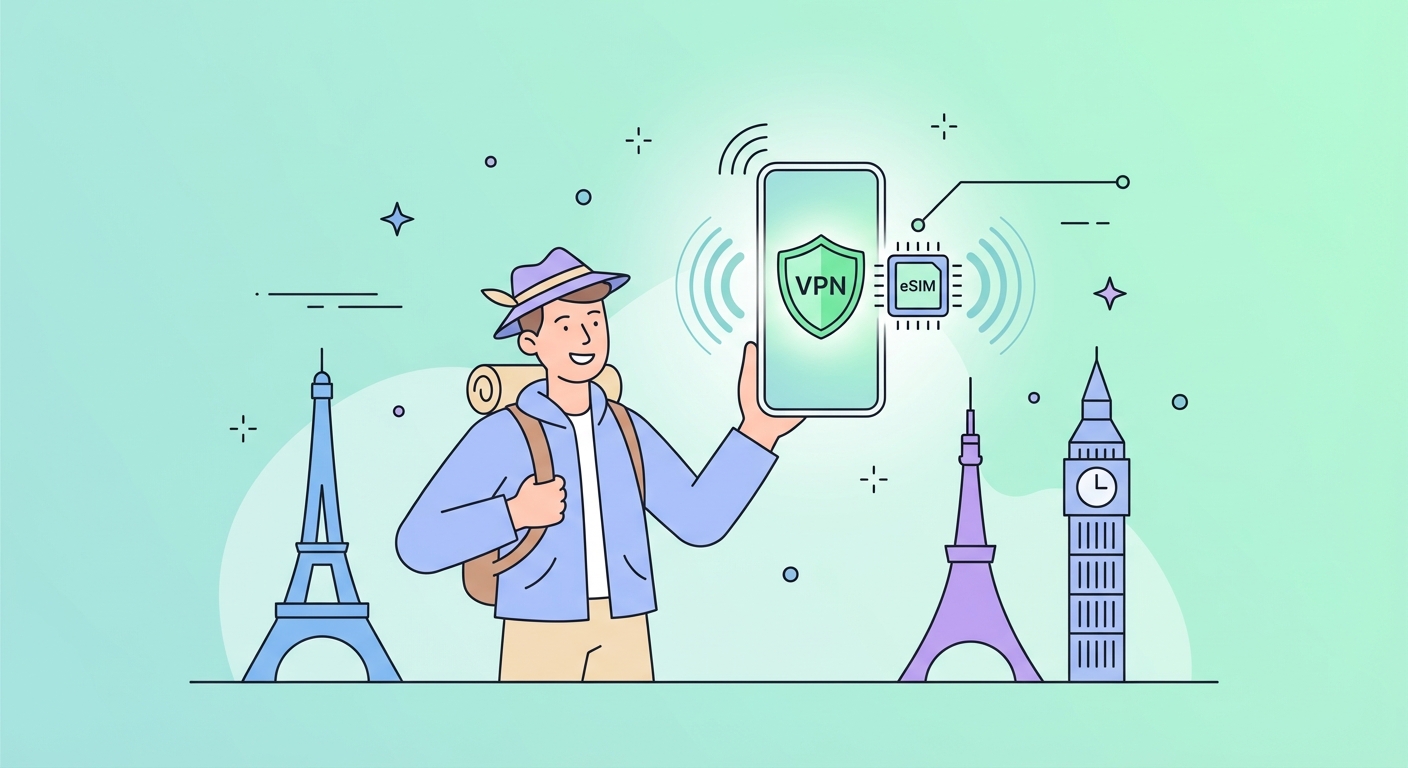
Montserrat eSIM + VPN
Montserrat eSIM

Fast local data the moment you land. No airport SIM queues. Pair it with your VPN for private, unrestricted internet from arrival.

Get Montserrat eSIM →
eSIM and VPN travel setup

Pair your VPN with a Montserrat eSIM

Fast local data + fully encrypted private internet, from the moment you land. No airport SIM queues. No hotel Wi-Fi risk.