VPN for Brunei: Is It Legal & Which VPN Works?
Short answer: Yes, VPNs are legal for personal use in Brunei. What is blocked, which VPN works best on mobile, and what to do if your VPN is not working.
Travelling to Brunei? Here's everything you need to know about using a VPN — what to protect, which providers work best, and how to pair it with your eSIM for fast private internet from arrival.
What's blocked in Brunei
VPN use is legal for personal use in Brunei. There are no known cases of foreign travellers being penalised for using a VPN here.
Brunei has minimal censorship. Most travellers use a VPN here for public Wi-Fi protection and to access their home streaming libraries (Netflix, BBC iPlayer, etc.).
Using your eSIM and VPN together in Brunei
Your uPhone eSIM provides fast local mobile data in Brunei. Running a VPN over your eSIM connection encrypts your traffic and lets you access geo-blocked content from home. It also protects you when switching to local hotel or café Wi-Fi.
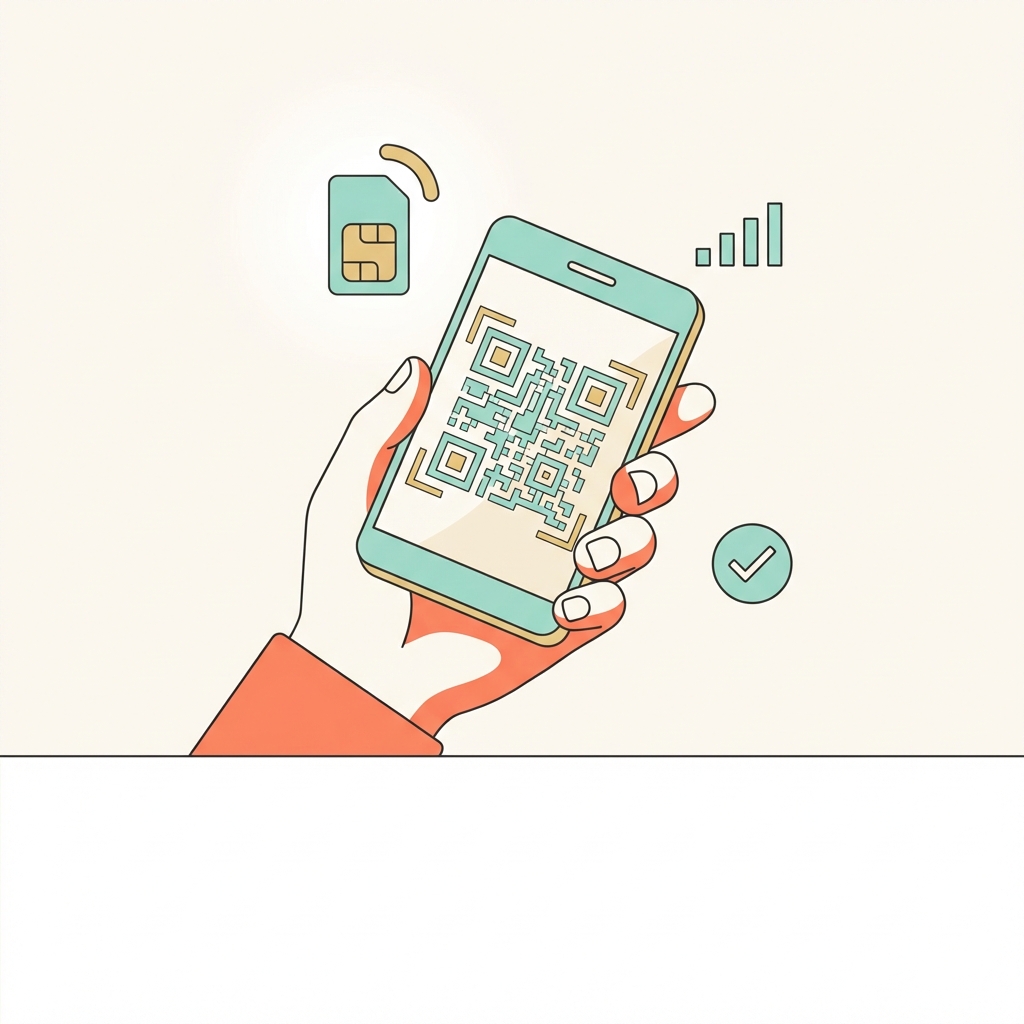
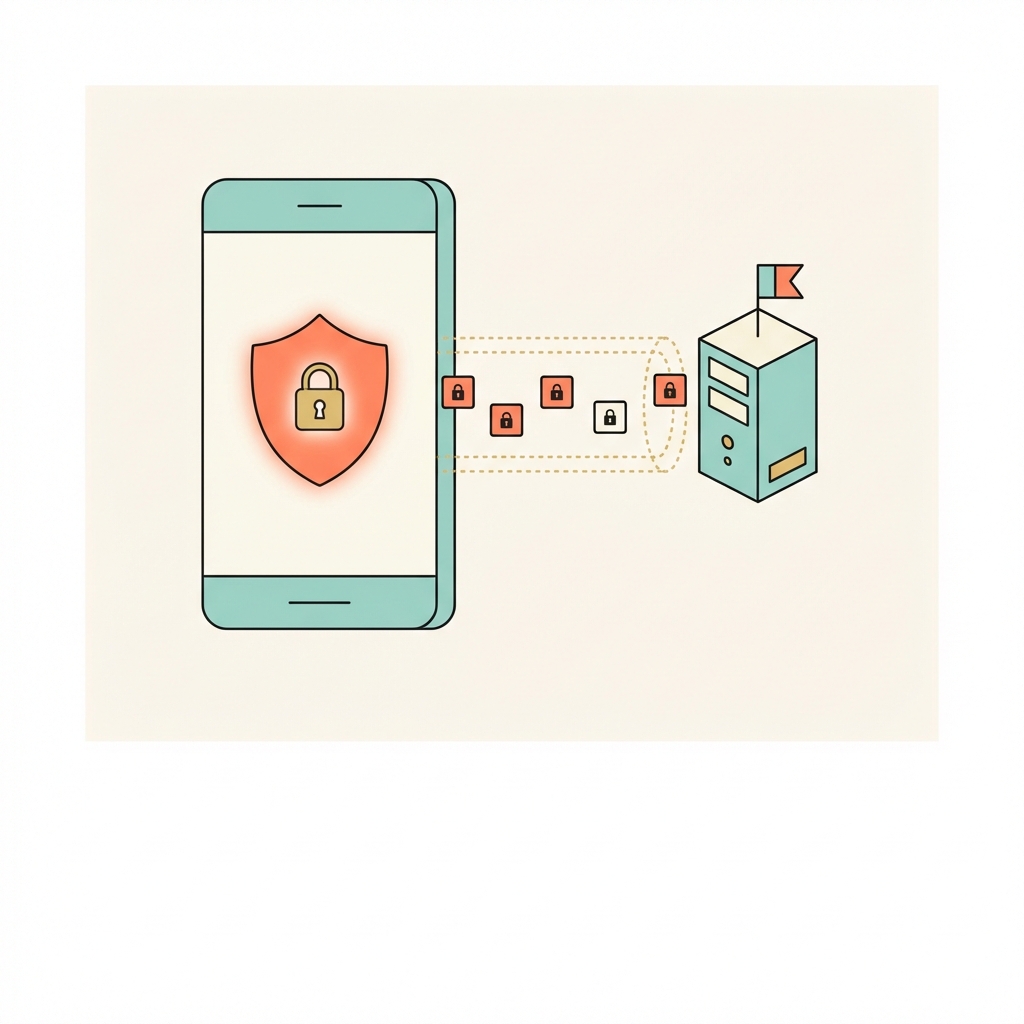

Use WireGuard — fastest and most battery-efficient for eSIM data. This gives you the best balance of speed and reliability on mobile data in Brunei.
Best VPN providers for Brunei
Any of these providers work well in Brunei. Ranked for travellers prioritising mobile performance:
Internet in Brunei — what travellers need to know
Brunei has a filtered internet environment under the Authority for Info-communications Technology Industry (AITI). VoIP services including Skype and WhatsApp calls are blocked to protect incumbent telco Progresif and DST. Pornography and LGBT content are blocked. The country introduced Sharia-based criminal law in 2019, and online speech is monitored. For travellers in Bandar Seri Begawan, connectivity is generally good — the main practical VPN need is for VoIP calls.
Local streaming services in Brunei
These services are popular in Brunei but geo-locked — a local server unlocks them when you're at home, while a home-country server unlocks your own library when you're in Brunei:
Not Five Eyes. AITI blocks VoIP and adult content. Sharia criminal law applies. VoIP blocked at ISP level.
Configure VPN before arrival for VoIP calls. Brunei's hotel and mall Wi-Fi is generally reliable. Connect to your home country VPN server for voice and video calls.
Pre-trip checklist for Brunei
Everything to do at home, on your normal internet, before you board.
Frequently asked questions — VPN in Brunei
Check your phone works with an eSIM — and your VPN runs over it — before you fly to Brunei. Cancel within 3 days at no charge.
Try an eSIM free →