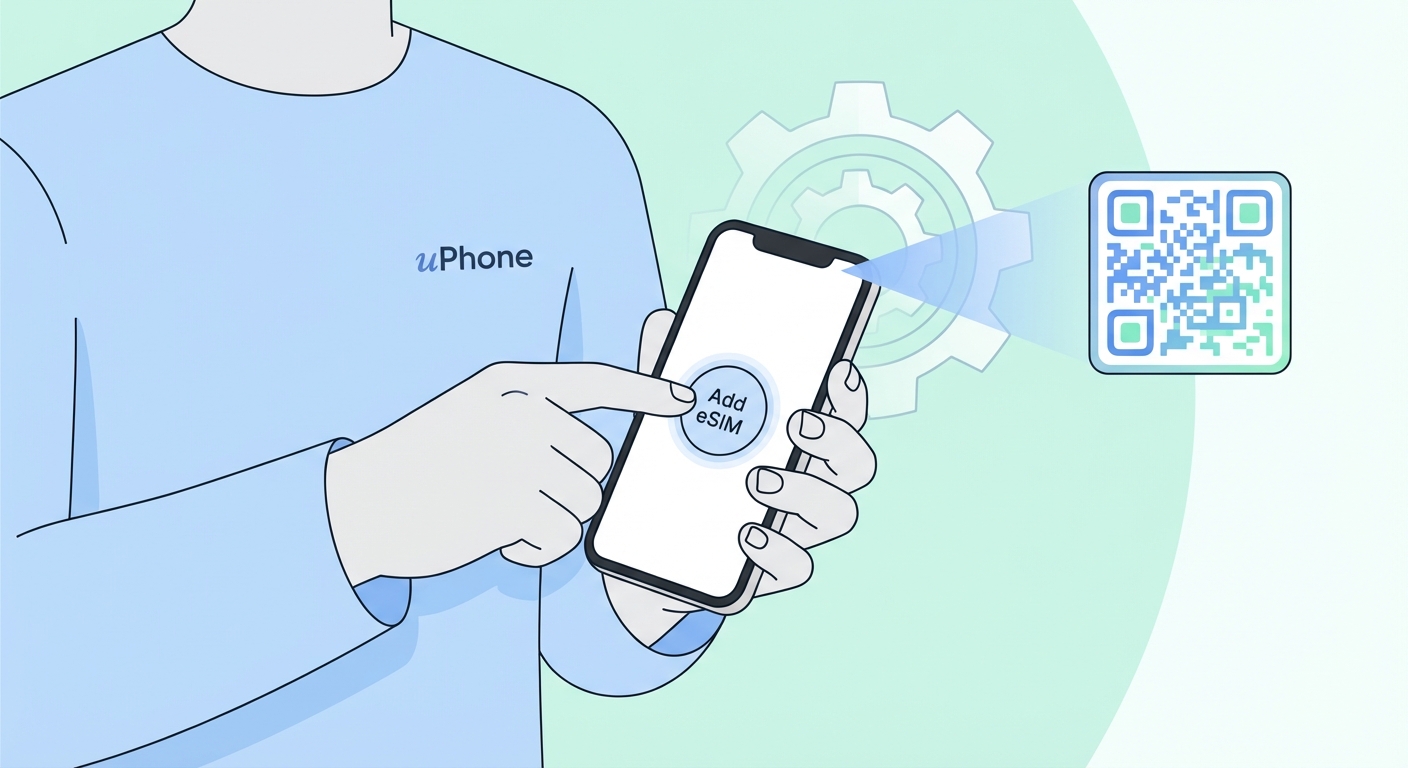
How To Install eSIM on iPhone
Compatible with iPhone XS or later — including iPhone 11, 12, 13, 14, 15, 16, 17, and any future models. Follow these steps to activate your eSIM QR code and get connected in under 2 minutes.
Also available: How to Install eSIM on Android
Before you start: Your iPhone must be eSIM-compatible (iPhone XS or later) and carrier-unlocked. You'll need a Wi-Fi connection to download the eSIM profile.
How to Add eSIM to iPhone — Step by Step
Open the uPhone email on your iPhone, then hold your finger on the QR code until a popup appears. Tap "Add eSIM" — done in seconds, no need to open Settings.
You can install the eSIM before you travel and turn it on when you arrive. Go to Settings → Cellular → your eSIM plan → toggle it on/off as needed.
eSIM iPhone Troubleshooting — Common Problems
Using an Android device? View the Android installation guide →