๐Ÿ‡ธ๐Ÿ‡ฌ

VPN for Singapore

Singapore blocks pornography, gambling sites, and some political/religious content. Freedom of speech is somewhat restricted online.

Recommended protocol: WireGuard

What's blocked in Singapore

Pornography and gambling sites are blocked. Some political and religious sites are filtered. General internet is otherwise open.

App / Service
Status in Singapore
Google
โœ… Available
WhatsApp
โœ… Available
YouTube
โœ… Available
Instagram
โœ… Available
Adult content
โŒ Blocked
Gambling sites
โŒ Blocked
With a VPN active
โœ… All unblocked
Is a VPN legal in Singapore?

VPN use is legal for personal use in Singapore. There are no known cases of foreign travellers being penalised for using a VPN here.

Minor restrictions โ€” mainly privacy & streaming benefits

Singapore has minimal censorship. Most travellers use a VPN here for public Wi-Fi protection and to access their home streaming libraries (Netflix, BBC iPlayer, etc.).

Using your eSIM and VPN together in Singapore

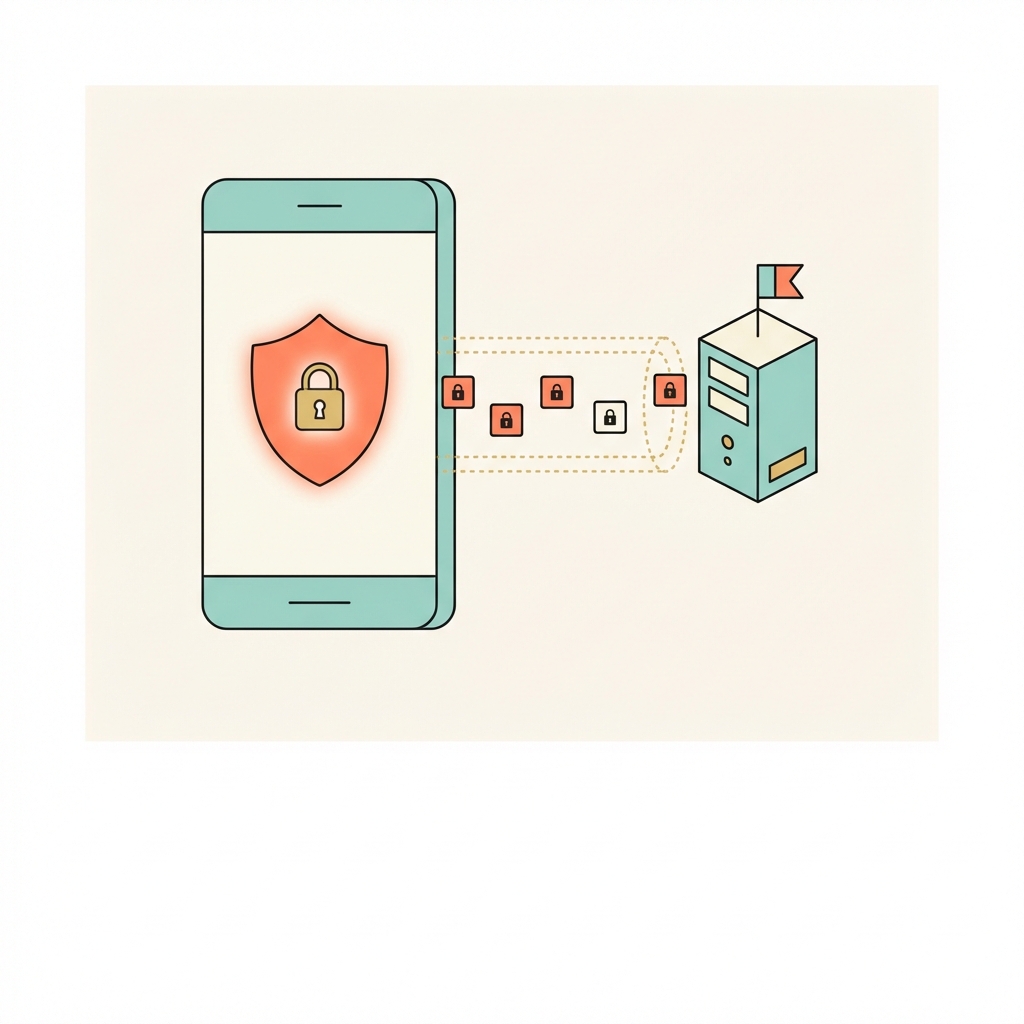
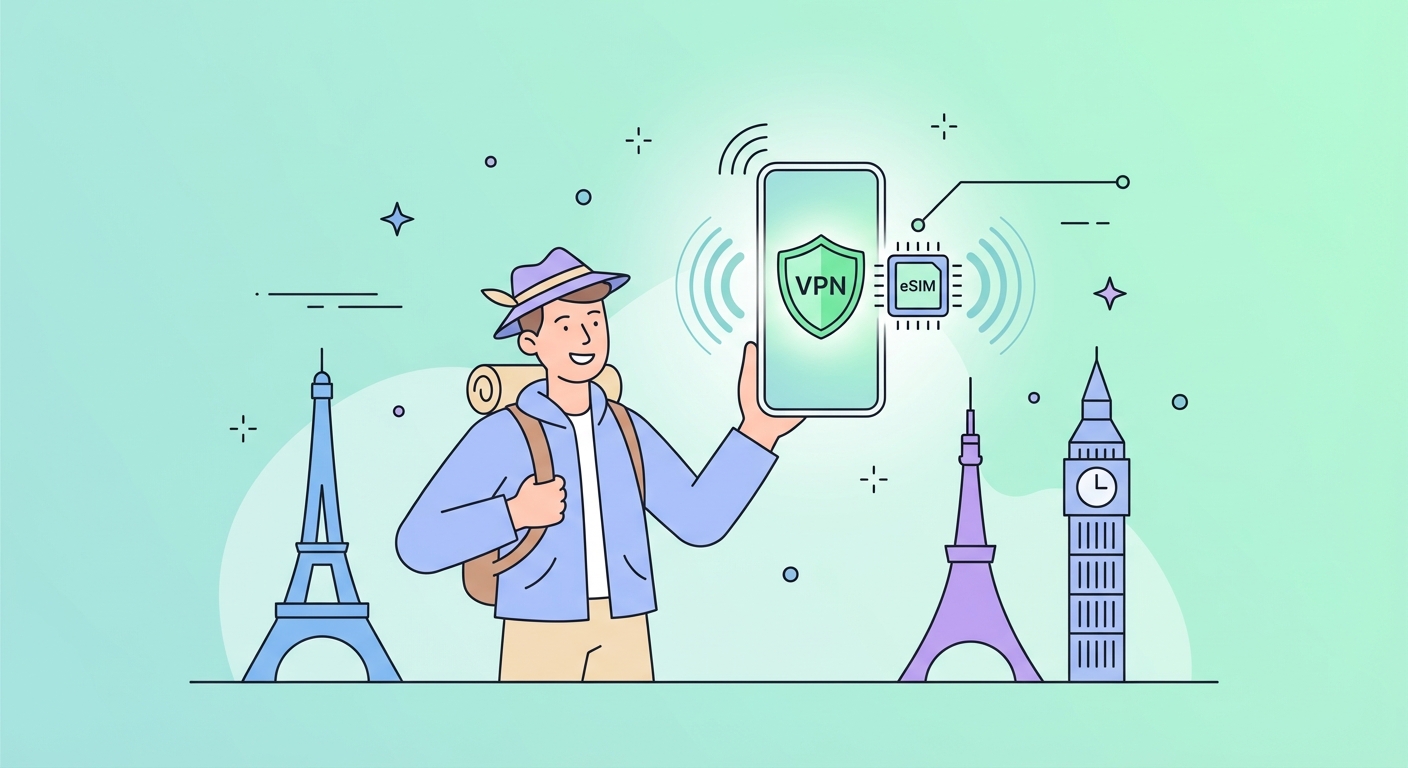
Your uPhone eSIM provides fast local mobile data in Singapore. Running a VPN over your eSIM connection encrypts your traffic and lets you access geo-blocked content from home. It also protects you when switching to local hotel or cafรฉ Wi-Fi.

Activate eSIM
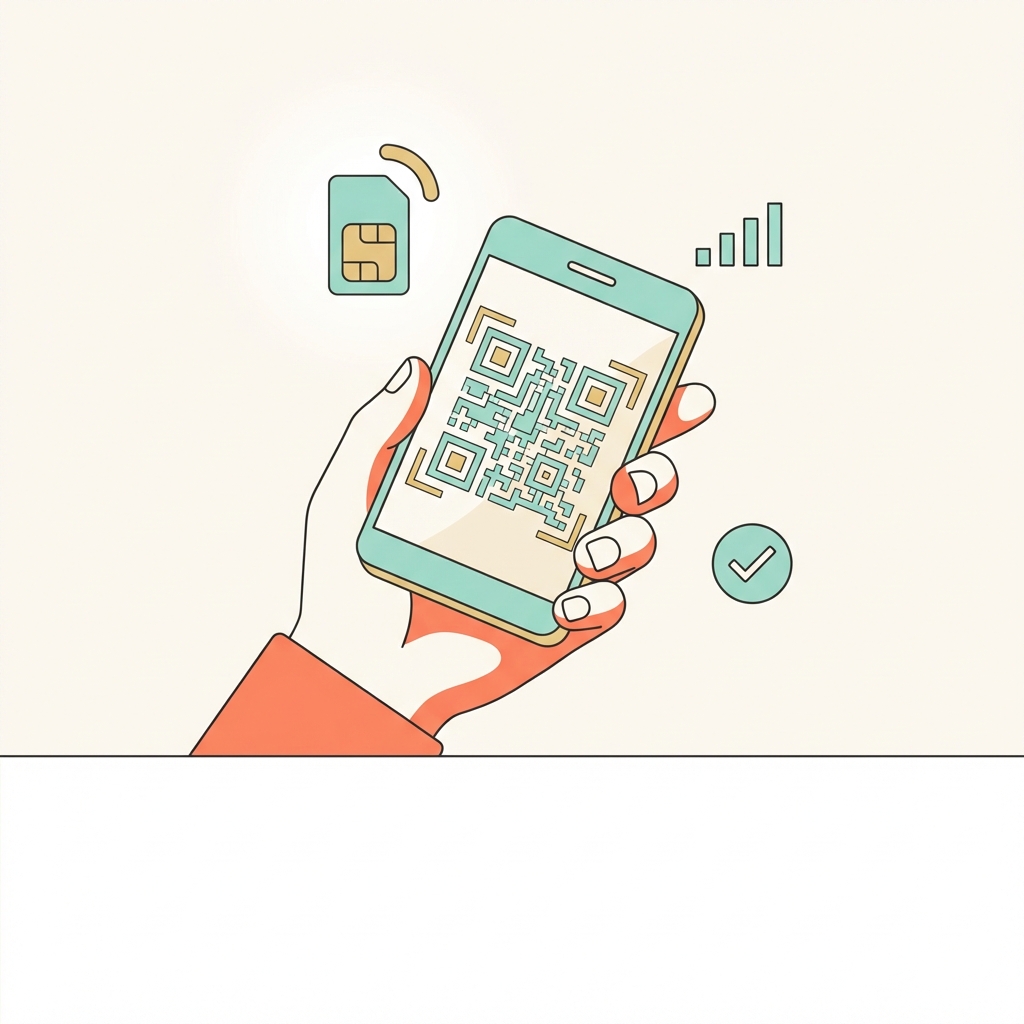
1. Activate eSIM
Scan QR code before you land. Your data activates the moment you arrive in Singapore.
Open VPN app
2. Open VPN app
Connect to a server in your home country. Use WireGuard for best performance in Singapore.
Browse freely
3. Browse freely
All apps work as normal. Keep VPN on when switching between eSIM and hotel Wi-Fi.
Protocol tip for Singapore

Use WireGuard โ€” fastest and most battery-efficient for eSIM data. This gives you the best balance of speed and reliability on mobile data in Singapore.

Best VPN providers for Singapore

Any of these providers work well in Singapore. Ranked for travellers prioritising mobile performance:

๐Ÿฅ‡
NordVPN
Best value โ€” fastest speeds with WireGuard, 6,000+ servers, excellent mobile app. 30-day money-back guarantee.
๐Ÿฅˆ
ExpressVPN
Best overall reliability โ€” premium pricing but the most consistent performance across 105 countries.
๐Ÿฅ‰
Surfshark
Best budget option โ€” unlimited devices, strong WireGuard speeds, good for long-term travel.
Full provider comparison with pros/cons โ†’

Internet in Singapore โ€” what travellers need to know

Singapore has some of the world's fastest and most reliable internet โ€” consistently ranked in the global top 5 for speed and infrastructure. The internet is largely open, though the government actively blocks certain gambling, pornography, and politically sensitive sites through MDA-mandated ISP filters. Singapore is not part of Five Eyes, but data is retained under PDPA regulations and intelligence-sharing arrangements with the US and UK are well-documented. For travellers, the main VPN use case is accessing home streaming libraries โ€” Singapore Netflix, Disney+, and HBO Go have different content catalogues to most home markets.

Local streaming services in Singapore

These services are popular in Singapore but geo-locked โ€” a local server unlocks them when you're at home, while a home-country server unlocks your own library when you're in Singapore:

meWATCH
Toggle
Disney+ Hotstar (SG)
Netflix Singapore
HBO Go
Privacy & data laws in Singapore

Not Five Eyes. PDPA governs data. ISPs block gambling, pornography, and some political content under MDA rules. Intelligence sharing with US/UK documented.

Travel tip for Singapore

Changi Airport Wi-Fi is free and fast but unencrypted โ€” use a VPN immediately on connection. MRT stations and malls offer free Wi-Fi; always use VPN protection. Connecting to a US or UK VPN server unlocks your home Netflix library.

Pre-trip checklist for Singapore

Everything to do at home, on your normal internet, before you board.
1
Get your eSIM
Order a uPhone Singapore eSIM and scan the QR code before you travel. Activates automatically when you land.
2
Sign up for a VPN
Choose ExpressVPN, NordVPN, or Surfshark. Pay and create your account on their website.
3
Install apps on all devices
Download the VPN app from the App Store or Google Play.
4
Enable WireGuard protocol
Settings โ†’ Protocol โ†’ WireGuard. Fastest speeds on mobile eSIM data.
5
Test at home
Connect to a server in your home country and confirm everything works โ€” Google, WhatsApp, your streaming apps.

Frequently asked questions โ€” VPN in Singapore

VPN use is legal for personal use in Singapore. There are no known cases of foreign travellers being penalised.

Yes, it's easiest to set up at home. Singapore doesn't block VPN downloads, but you'll be glad it's ready from the moment you land.

Yes. A VPN runs over any internet connection โ€” your uPhone eSIM, hotel Wi-Fi, or a physical SIM. The eSIM provides the data connection; the VPN encrypts everything that flows through it. They work together perfectly.

Connect to a server in your home country for the most reliable experience. For best speeds, pick the closest server to Singapore in a country with no restrictions โ€” Singapore is a popular choice for Asia travel.

Try switching the protocol (Settings โ†’ Protocol) to WireGuard or IKEv2. A different server location also usually resolves connection issues.
Minor Restrictions
Do you need a VPN in Singapore?
Useful. Mainly for public Wi-Fi security and accessing your home streaming library while travelling.
Singapore eSIM + VPN
Singapore eSIM

Fast local data the moment you land. No airport SIM queues. Pair it with your VPN for private, unrestricted internet from arrival.

Get Singapore eSIM โ†’
eSIM and VPN travel setup

Pair your VPN with a Singapore eSIM

Fast local data + fully encrypted private internet, from the moment you land. No airport SIM queues. No hotel Wi-Fi risk.