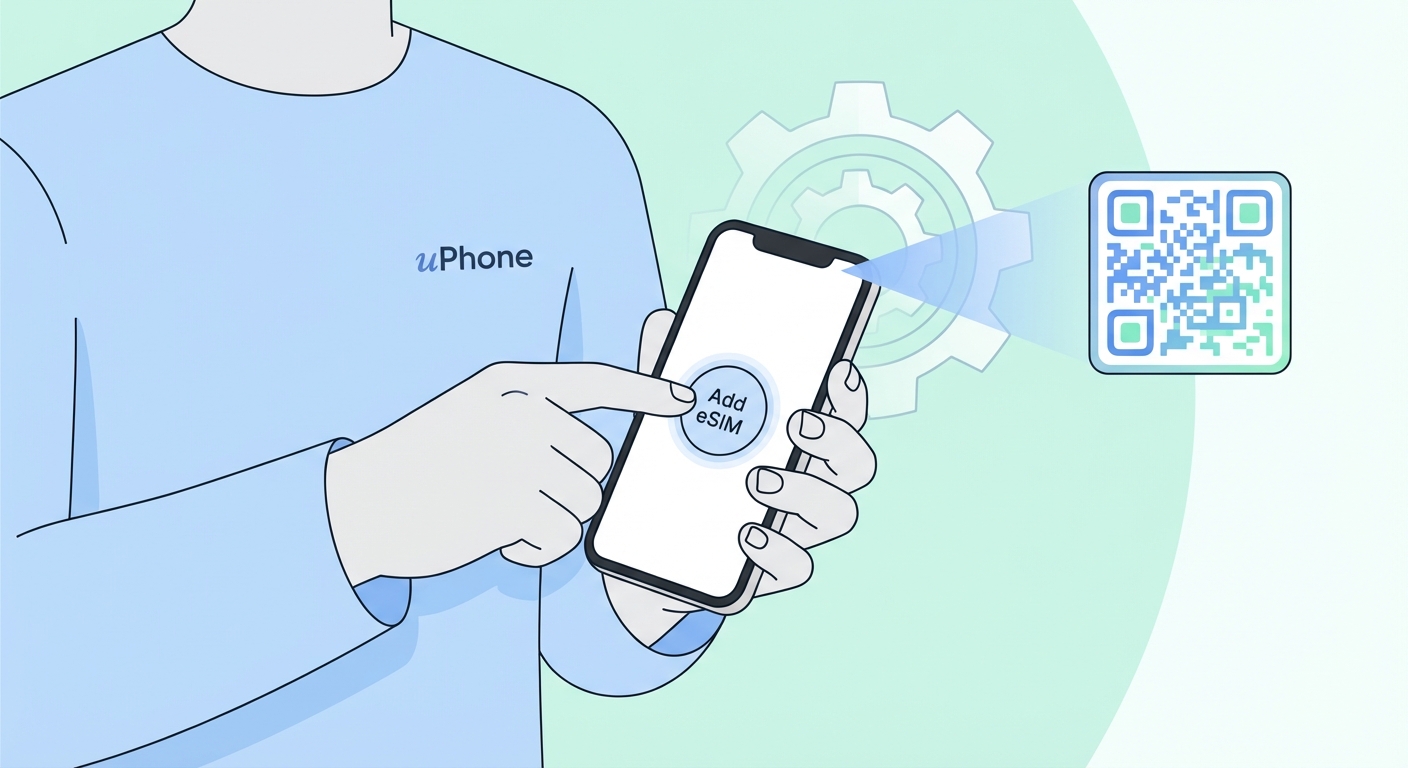
How To Install eSIM on Android
Works with Samsung Galaxy S21+, Google Pixel 3+, OnePlus, Motorola, and most eSIM-capable Android phones. You'll need a second device to scan the QR code.
Also available: How to Install eSIM on iPhone
Before you start: Your Android phone must support eSIM and be carrier-unlocked. You'll need a second device (or a printed copy) to display the QR code for scanning, since Android cannot scan a QR code on its own screen. You'll also need a Wi-Fi connection.
How to Add eSIM on Samsung Galaxy
How to Add eSIM on Google Pixel
Steps vary by manufacturer and Android version. If the paths above don't match, search for "Add eSIM [your phone model]" for exact instructions. Make sure your device is carrier-unlocked before proceeding.
Android eSIM Troubleshooting — Common Problems
Using an iPhone? View the iPhone installation guide →