🇪🇬 eSIM for Cairo

As low as $2.13/day*
Excellent ★★★★★ Based on 2,400+ reviews
  • Fixed GB data
  • 1-day validity
  • Fast internet across Cairo
  • No more roaming charges
  • Instant QR code by email
Choose your data allowance
Number of days
More days, lower the price!
1
Number of eSIMs
More eSIMs, more discounts
1
Install your eSIM before your trip. Your plan will activate when you arrive in Cairo and turn on your eSIM.

* As low as price reflects the cheapest per-day rate, based on the longest available unlimited data plan duration.


Secure Payment
Visa Mastercard PayPal Amex Diners JCB
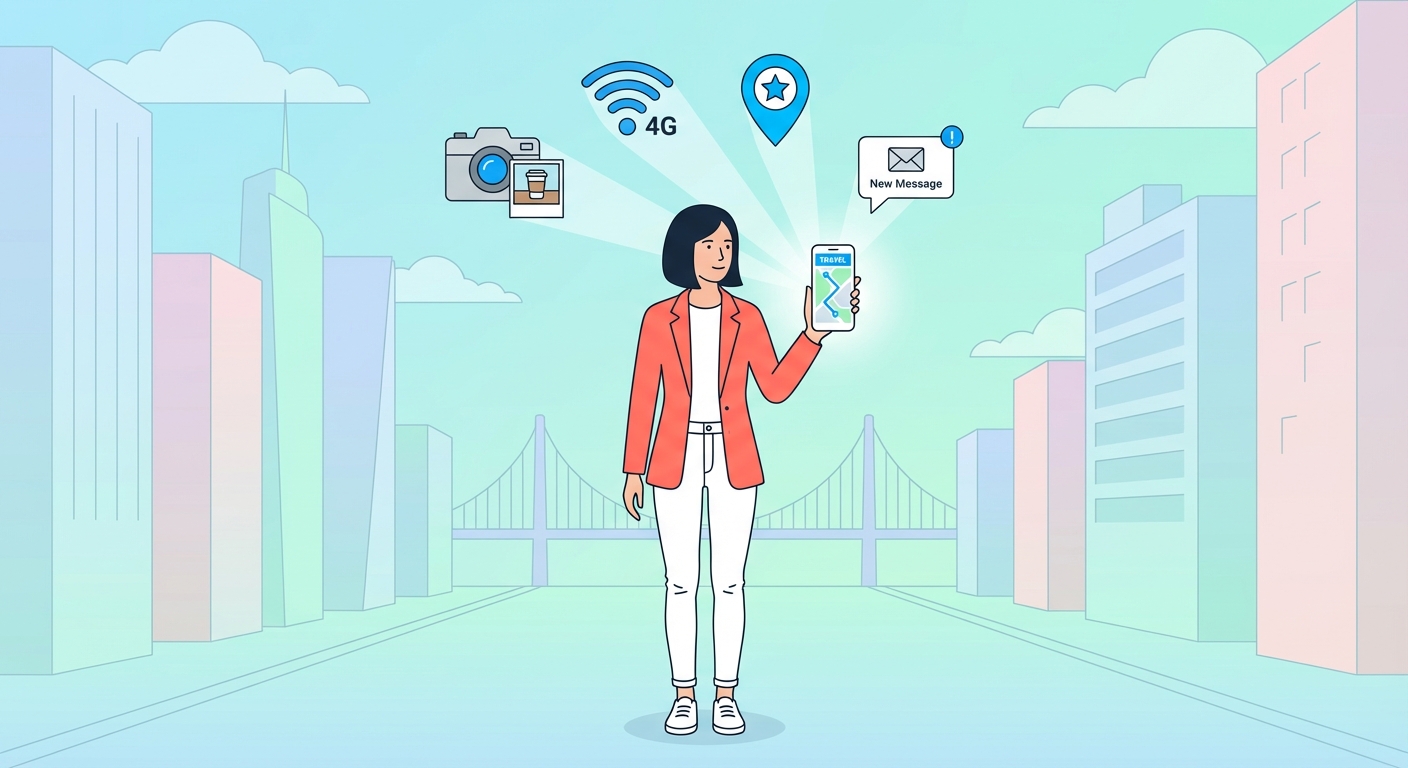
Cairo, Egypt eSIM travel illustration
Traveler checking local information on a phone after arriving at an airport

Arriving in Cairo

Check the local time, current weather and practical information for your arrival.

Local time in Cairo

Live
2026-11-26T03:46:56.865697+02:00
UTC+02:00 EET Standard time Cairo Time

Weather in Cairo

Live
16°C
Partly Cloudy

Arriving at Cairo International Airport (CAI)

The practical gateway for this Cairo guide is Cairo International Airport (CAI). Use the airport's authorised taxi or limousine counters, public bus connection or a pre-arranged hotel transfer and confirm the terminal meeting point.

  • Save the full Cairo accommodation address and map pin before leaving arrivals.
  • Follow signed, authorised pickup points and ignore unsolicited transport offers.
  • Recheck the live operator page if the flight arrives late or during disruption.

Using local transport after landing in Cairo

Cairo's arrival network works best when the final stop is chosen before boarding. Cairo Metro is useful once in the city but does not currently provide a direct platform inside the airport terminals.

  • Check the last stop against the neighbourhood named on the Cairo booking.
  • Use the fare product accepted by the operator running that specific leg.
  • Allow more time when changing with luggage, children or accessibility equipment.

Official tools for the first Cairo journey

Use live official information for the Cairo arrival rather than an old screenshot of a timetable. Use Cairo Metro's official site for lines and notices, and keep the terminal and hotel pin saved before landing.

  • Download the Cairo route, accommodation pin and booking confirmation for offline use.
  • Check the publisher and operator name before installing a transport app.
  • Use live notices for closures, terminal changes and weather disruption.

Emergency contacts to save in Cairo

For an urgent situation in Cairo, use the locally published numbers: Tourist Police is 126, ambulance is 123 and fire is 180.

  • Save the emergency numbers and the Cairo accommodation address in the phone notes.
  • Give the operator a landmark, terminal, station or map location if the street address is unclear.
  • Keep travel insurance and embassy or consulate contacts accessible offline.

Cairo travel questions

Use the signed option that reaches your exact district. Use the airport's authorised taxi or limousine counters, public bus connection or a pre-arranged hotel transfer and confirm the terminal meeting point. Check the official page again on arrival because stops and operating hours can change.

Use the official operator information for each leg. Use Cairo Metro's official site for lines and notices, and keep the terminal and hotel pin saved before landing.

In Cairo, Tourist Police is 126, ambulance is 123 and fire is 180.

Information reviewed 2026-11-26. Check linked official sources for live service changes.

Stay connected all over Cairo

  • Navigate Cairo's streets with live maps, no dead zones
  • Video-call home from anywhere in Cairo
  • Share every moment from Cairo in real time
  • Stream music and podcasts on every Cairo commute
4G / 5G available in Cairo
WhatsAppWhatsApp
InstagramInstagram
Google MapsGoogle Maps
SpotifySpotify
Google TranslateGoogle Translate
TikTokTikTok

Get connected in Cairo in 3 easy steps

No store visit. No physical SIM. Works on any eSIM-compatible phone.
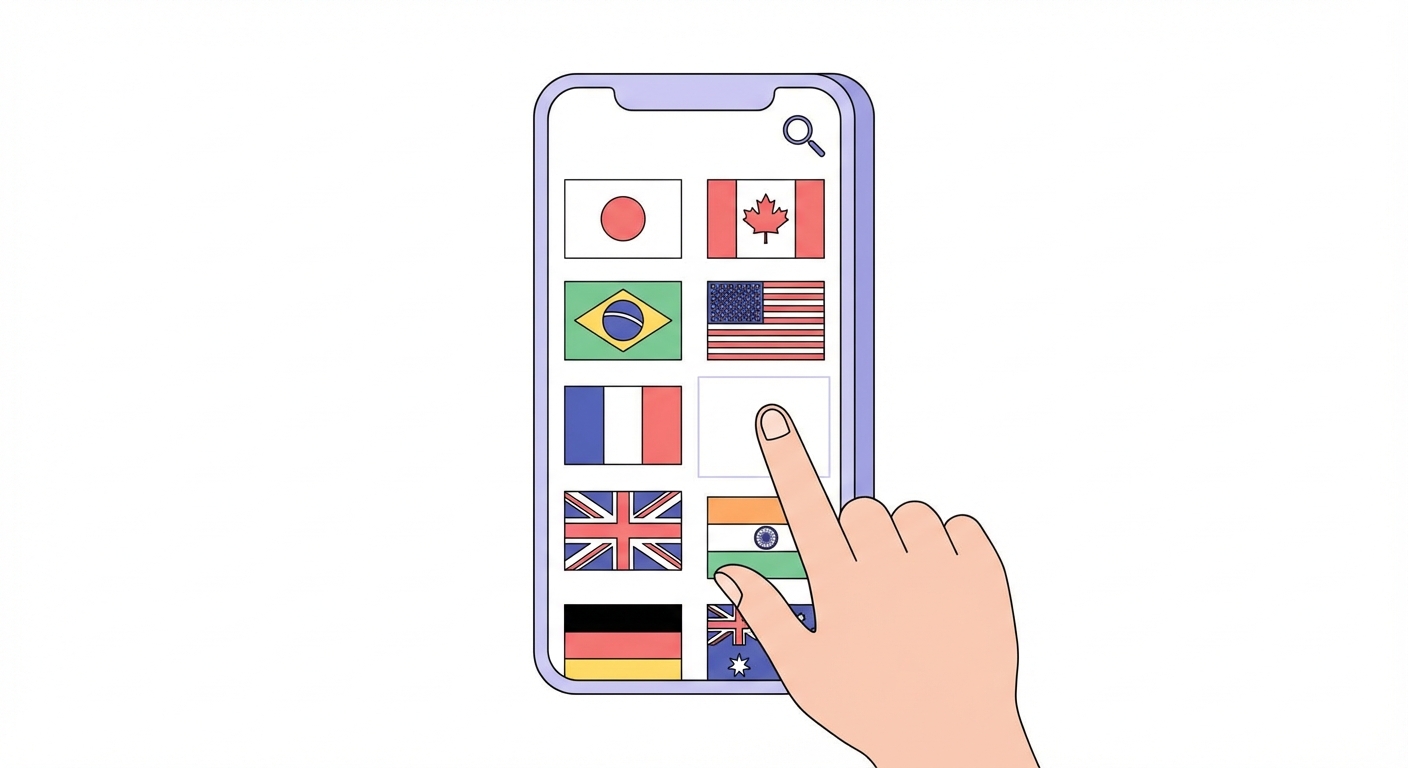
Choose a plan
1
Choose your plan

Pick Unlimited or Fixed GB and choose how many days you need in Cairo.
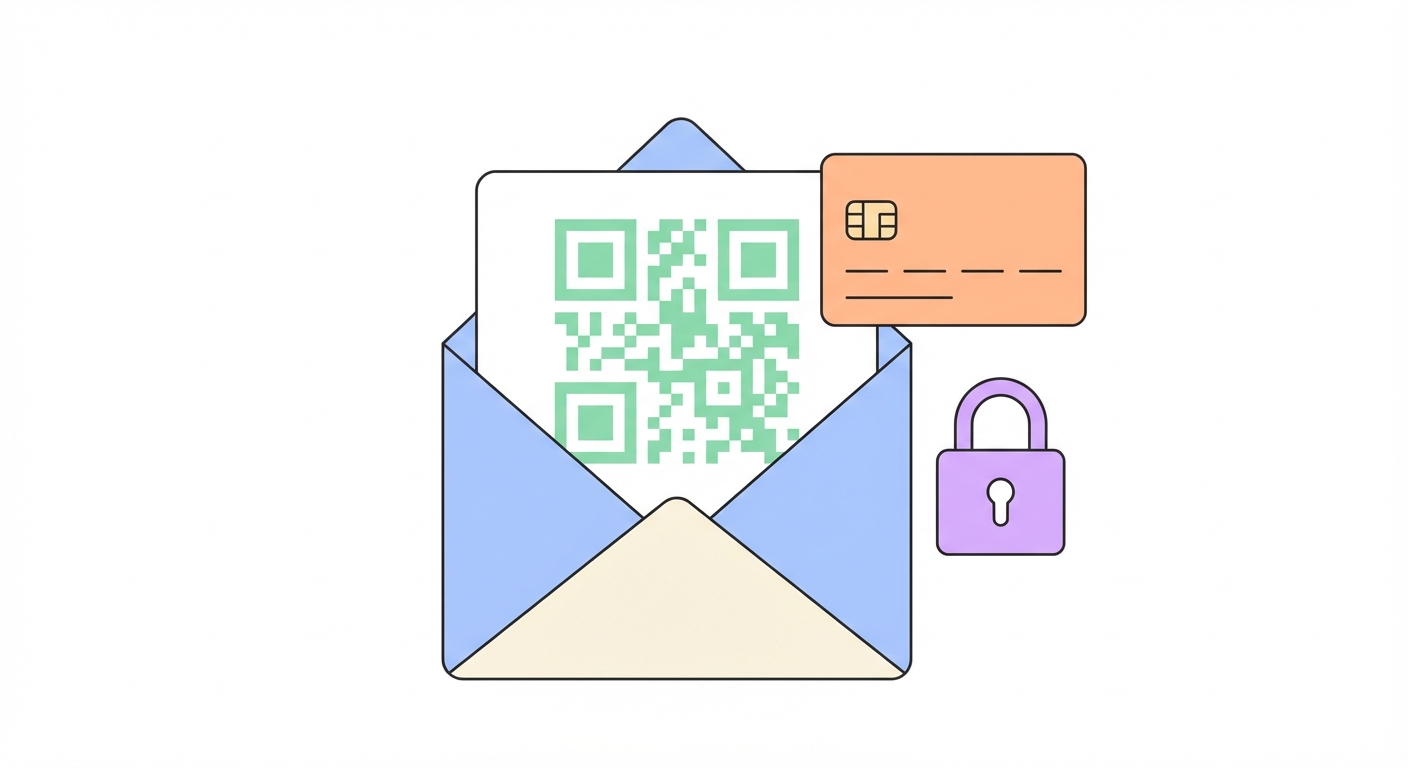
Install eSIM
2
Install your eSIM

Scan the QR code we email you — takes under 2 minutes on any eSIM phone.
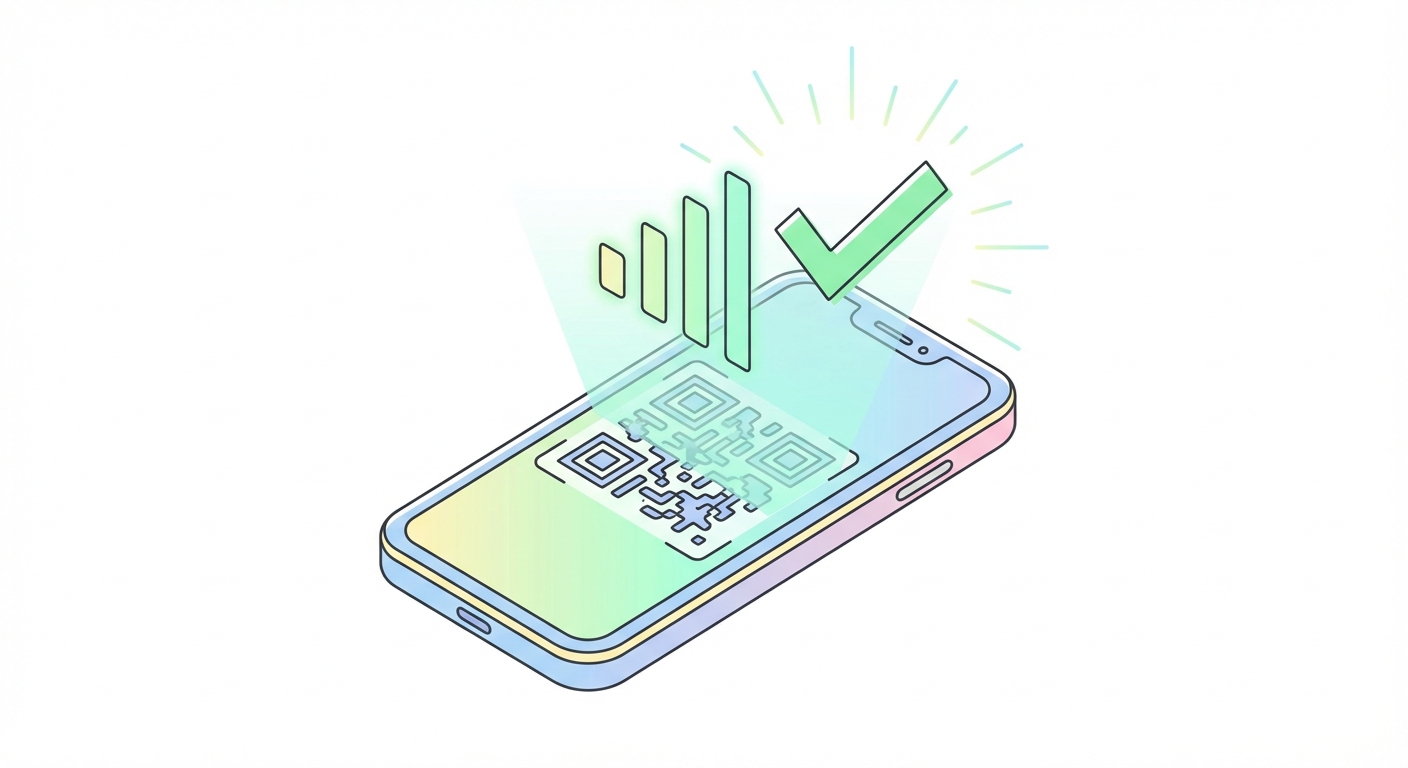
Connect on arrival
3
Connect on arrival

Turn on your eSIM when you arrive in Cairo and enjoy instant connectivity.

Why choose uPhone for Cairo?

No roaming charges
Pay a flat rate upfront — no surprise bills when you get home.
Keep your physical SIM
Your local number stays active. Use two networks at once.
Instant delivery by email
QR code arrives in your inbox seconds after purchase.
24/7 customer support
We're here around the clock via live chat and email.
Unused-eSIM refund policy
Full refund within 30 days before QR scan, installation, or activation.
Easy installation
Scan the QR code in Settings — no app, no tech skills needed.
Refund support illustration

Change of Plans? Don't worry.

Purchase your Cairo eSIM with peace of mind. If your trip changes before you scan the QR code or install or activate the eSIM, you have up to 30 days to request a full refund.

Trusted by travelers

The recommended eSIM for Cairo — see for yourself.

50,000+
Travelers who trust uPhone
★★★★★ Excellent · 4.8 / 5
🇪🇬

eSIM prices for Cairo

All prices in USD

Duration Price Per day
1 day $7.35 $7.35/day
3 days $18.79 $6.26/day
5 days $31.50 $6.30/day
7 days $28.92 $4.13/day
10 days $62.19 $6.22/day
15 days $45.71 $3.05/day
30 days $64.00 $2.13/day

Frequently Asked Questions

Everything you need to know about your Cairo eSIM

An eSIM is a digital SIM built into your phone. Instead of queuing for a local SIM at Cairo airport, you scan a QR code before you leave home and connect the moment you land. No physical SIM needed.

Your QR code is delivered to your email immediately after purchase — typically within seconds. You can install it right away or save it for later, before you fly.

For most travelers to Cairo, the Unlimited plan gives the best peace of mind — navigate the city, video-call home, and share photos without worrying about data limits.

Yes. The eSIM covers the entire Egypt network, so you can also travel to other cities and regions beyond Cairo without changing plans.

Yes. Your phone uses the eSIM for data while your physical SIM stays active for calls and texts from home. Dual SIM, zero compromise.

Hotspot availability depends on the specific plan. Unlimited plans typically include hotspot sharing. Check the plan details when purchasing.
24/7 Support

Need help? We're here for you.

Questions before or during your trip to Cairo — our support team is always available via live chat and email. Typical response time under 2 minutes.

Chat with us

uPhone customer support