How to Get Reliable, Secure Mobile Internet for Working Abroad
Set up reliable, secure mobile internet abroad with an international eSIM plan and a VPN. A practical two-step guide for digital nomads and remote workers.
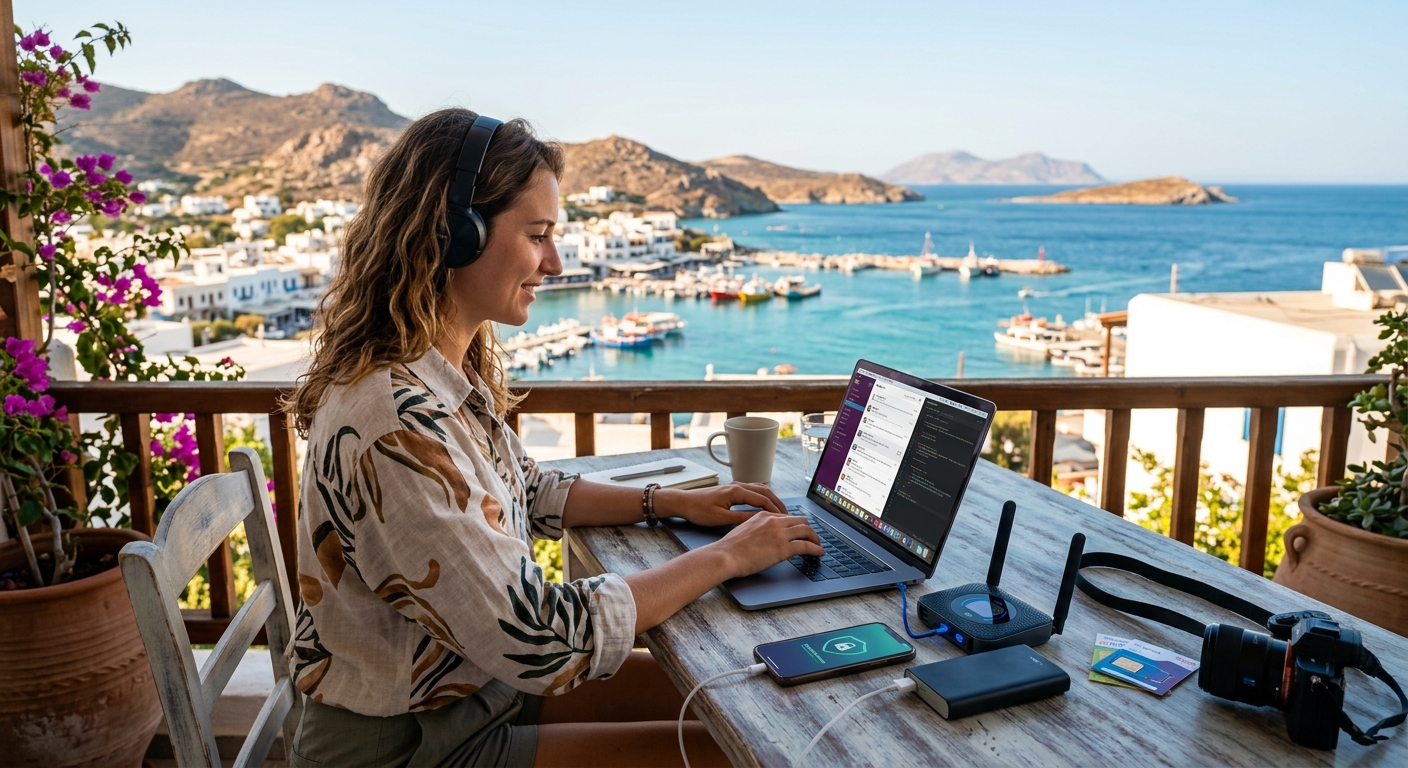
Working from a café in Lisbon or a co-working space in Chiang Mai sounds like a dream until your connection drops mid-video call and the hotel Wi-Fi decides to take the afternoon off. Getting solid, secure internet when you are overseas is not complicated, but it does require a deliberate setup. The good news is that the two-step approach most experienced remote workers rely on can be fully configured in under an hour before you board your flight.
Your Two-Step Mobile Setup for Working Abroad
- Activate an international eSIM plan before you travel so you have affordable cellular data the moment you land.
- Layer a reputable VPN over that connection to protect your work traffic on any network you join.
- Together, these two tools replace expensive carrier roaming and close most of the security gaps that come with hotel and airport Wi-Fi.
The Real Cost of Relying on Your Home Carrier Overseas
International roaming charges from major carriers can be genuinely punishing. Depending on your plan, you may pay a per-megabyte rate, a per-minute voice charge, or a flat daily fee that accumulates fast over a month-long work trip. Many carriers do offer travel add-ons to reduce sticker shock, but these packages rarely come close to local pricing, and they often throttle your speeds after a small daily data cap. When your income depends on a stable connection, hitting a throttle wall during a client presentation is not just frustrating. It costs you credibility.
Beyond cost, relying on your home carrier's roaming agreements means your coverage depends entirely on which local operators that carrier has a partnership with in each country. In some destinations, that agreement routes you onto a congested or weaker network rather than the fastest available option. You end up paying a premium for a service that underperforms what a local or international eSIM plan would give you for a fraction of the price.
International eSIM Plans: Your Foundation for Staying Connected
An eSIM is a digital SIM card built directly into your phone's hardware. There is no physical card to buy at an airport kiosk and no juggling between tiny pieces of plastic in an unfamiliar terminal. You purchase a plan online, receive a QR code, and scan it through your phone's settings to activate service in minutes. Coverage for embedded SIM technology now spans most of the world, meaning you can find a workable data plan for almost any destination on your itinerary.
The flexibility that eSIM plans offer is significant for anyone working across multiple countries in a single trip. Rather than buying a new local SIM at each border crossing, you can purchase a regional eSIM plan that covers several countries under one data allowance. Many of these plans connect you to multiple local operators within each country, so your phone will automatically shift to the strongest available signal rather than being locked to a single carrier's towers.
For remote workers specifically, the pricing difference versus carrier roaming is the most immediate benefit. A week of regional eSIM data often costs less than two or three days of carrier roaming through a standard travel add-on. That gap widens the longer your trip runs. Add in the convenience of activating and managing everything through an app, and it becomes clear why eSIM has become the default choice for frequent travelers who need dependable data abroad.
Understanding Your Connection Options Before You Travel
Connectivity Options for Remote Workers Abroad
| Option | Typical Cost | Setup Effort | Multi-Country Flexibility | Best For |
|---|---|---|---|---|
| Carrier Roaming | High ($10+ per day) | None (automatic) | Low | Emergency or 1-day trips |
| Local Physical SIM | Low to moderate | Medium (store visit, ID required) | Low (one country only) | Extended stays in one country |
| International eSIM Plan | Low to moderate | Low (QR code, no store needed) | High (regional plans available) | Multi-country trips, digital nomads |
| Hotel or Café Wi-Fi Only | Free | None | N/A | Not recommended for work use |
The Dangers Hiding in Hotel Lobbies and Airport Lounges
Public Wi-Fi networks are everywhere when you travel. Free hotel lobby internet, airport lounge broadband, café hotspots, and co-working space guest networks all look convenient when you need to send an email or join a call. The problem is that most of these networks are unencrypted or use shared credentials that anyone in the building can access. Someone with modest technical skills and the right software can sit on that same network and intercept the data passing between your device and the internet.
The most common attack pattern on public Wi-Fi is what security professionals call a man-in-the-middle scenario. A bad actor positions their device between yours and the router. Your laptop believes it is communicating directly with the network. It is not. Login credentials, session tokens, and unencrypted data you transmit can pass through that interception point without any visible warning on your screen. Your eSIM cellular connection is more secure by default than shared public Wi-Fi, but adding a VPN layer protects you across both types of network, which matters when you are connected to a property's Wi-Fi for speed while your cellular data handles the backup.
Why a VPN Is the Security Layer Your Remote Setup Cannot Skip
A VPN creates an encrypted tunnel between your device and a server operated by the VPN provider. All your internet traffic routes through this tunnel before reaching its destination. From the outside, the only visible information is that you are connected to a VPN server somewhere. Your actual activity, the sites you visit, the files you transfer, and the services you authenticate with, remains private and unreadable to anyone who might intercept the traffic along the way.
For remote workers, this has several practical implications. If you access company systems, internal databases, or client portals while abroad, a VPN keeps that traffic shielded from observation. For everything else, including personal banking, cloud storage, and communication apps, a VPN prevents the passive data harvesting that happens quietly on poorly secured public networks. Some countries also apply geographic restrictions to certain web services, and a VPN lets you maintain access to the tools your workflow depends on regardless of where you are physically located.
Picking the right VPN for travel involves looking at server coverage, connection speed across different regions, privacy policies, and platform support across your devices. The two services that come up most consistently for travelers and remote workers are NordVPN and ExpressVPN. For a clear look at which one suits your travel style and budget, a thorough NordVPN vs ExpressVPN breakdown covers the key differences in speed, pricing, and features before you commit to a subscription.
Setting Everything Up Before You Leave Home
The ideal time to configure both your eSIM and your VPN is the day or two before departure. Troubleshooting a QR code activation on unstable airport Wi-Fi while your boarding gate is closing is exactly the kind of experience this guide is designed to help you avoid.
Start by confirming your phone supports eSIM. Most iPhones from the XS generation onward include eSIM hardware. The majority of flagship Android phones released after 2020 do as well. Check your phone settings under the mobile data or SIM management section. If you see an option to add a mobile plan digitally, your device is compatible and ready to go.
Purchase your eSIM plan before you travel. The activation QR code will arrive by email. Open your phone's settings, find the option to add a mobile plan, and scan the code. You do not need to activate it immediately. Most plans allow you to install the eSIM profile and enable it only when you land, preventing any accidental data usage before the trip begins. Once you arrive in your destination country, switch your active data line to the eSIM and disable roaming on your home carrier's SIM to avoid surprise charges appearing on your next bill.
For your VPN, download the app from your chosen provider, log in, and run a test connection from home. Enable the kill switch feature if your provider includes one. A kill switch automatically cuts your internet connection if the VPN drops unexpectedly, which prevents unprotected data from leaking during a brief disconnect. Once the app is tested and working on your home network, it will connect reliably from any country on your itinerary. Both setup steps together take under an hour and give you a connectivity stack that handles the real demands of remote work wherever your next project takes you.
Your Connection Is Ready the Moment You Land
Working across borders has become a practical reality for a large share of the global workforce. The tools that support it have matured to the point where a solid, secure mobile internet setup no longer requires a corporate IT team or an advanced technical background. Two deliberate choices, an international eSIM plan and a reputable VPN, cover the core requirements of reliable data and protected traffic.
The eSIM handles the foundation. Affordable local-rate data, multi-operator coverage, and the ability to switch or top up plans without visiting a store make it the clear choice over carrier roaming for anyone spending more than a couple of days abroad. The VPN adds the layer that public networks cannot provide on their own: end-to-end encryption that keeps your work traffic private regardless of which network you connect through at any given moment.
Get both configured before your next departure and the connectivity stress that typically comes with working internationally stops being part of the equation. You land, you switch on your eSIM, you open your VPN, and you are ready to work.
Get your eSIM in seconds
Browse plans for 150+ countries. Instant QR delivery, no roaming fees.
Browse Plans